
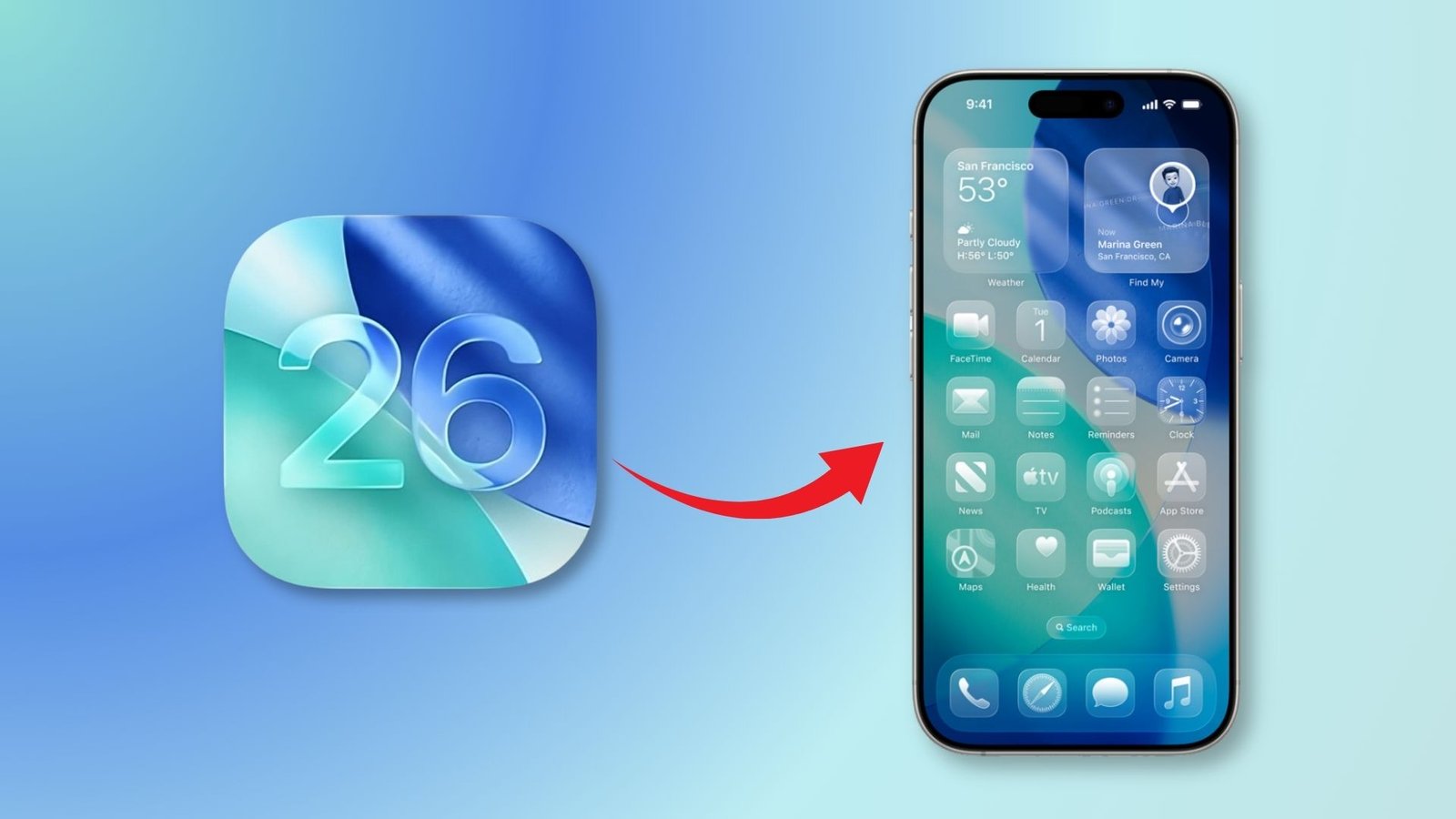
The sixth developer beta of iOS 26 landed on August 11, 2025, as Apple edges closer to a full rollout likely alongside the iPhone 17 series. Though this update focuses on finesse over fanfare, the subtle tweaks promise to elevate user experience.
Liquid Glass Evolves with Glow and Depth
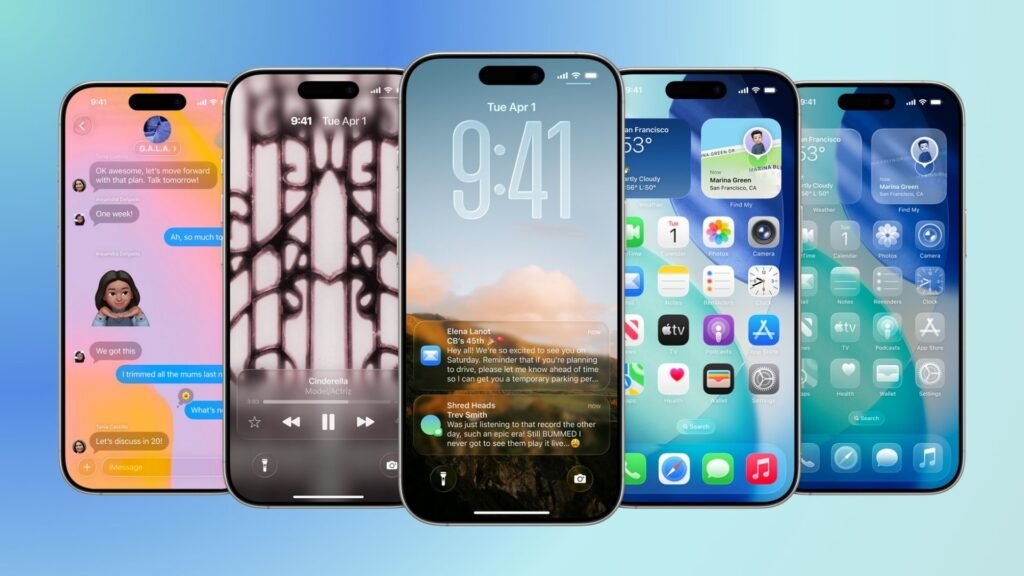
Apple continues to refine its ambitious Liquid Glass design language. In Beta 6, the Lock Screen clock gains added transparency and a more pronounced 3D, floating effect letting background imagery shine through with greater clarity. Meanwhile, toggles now animate with a glossier motion, underscoring the liquid-like feel of the interface.
These enhancements mesh with Apple’s broader design vision to create a more vibrant and immersive interface, consistent with the glass-inspired aesthetic introduced at WWDC 2025.
App Animations That Feel Faster and More Magical
The new beta doesn’t just polish visuals it also speeds things up. App launch and close animations are noticeably quicker and now mirror the “magic lamp” or genie effect seen in iPadOS. The result is a smoother, snappier feel when navigating apps.
Performance optimizations like this may not grab headlines, but they fundamentally enhance the responsiveness of everyday interactions especially near launch.
New Onboarding Walk Through Greeting Users
For the first time, Beta 6 introduces a welcome video shelling out a visual walkthrough of iOS 26’s key features especially the Liquid Glass UI right after installation. It’s a stylish intro that doubles as a mini tutorial.
Ringtone Remix: Six Fresh Variations and a Bird Tune
Music lovers, take note: the Settings app now lists seven options under the “Reflection” ringtone name, including new variants Buoyant, Dreamer, Pond, Pop, Reflected, and Surge—in addition to the original Default. There’s also an entirely new tone: Little Bird.
Social buzz leans toward “Dreamer”, with users calling it “so hard,” “crazy good,” and “such a bop”
Camera Swipe Toggle Disappears
Veteran users may miss the flexibility: the toggle option introduced in Beta 5 to reverse the Camera app’s swipe direction is now gone. The mode switching gesture has reverted to Apple’s preferred direction with no setting to change it.
Behind the Scenes: Polishing Before the Dawn
As Beta 6 arrives just weeks before the expected September release, Apple’s focus is clear: smooth finishes over sweeping new features. Alongside visual tweaks and audio updates, stability improvements and bug fixes are scattered throughout the system though users have noted a slightly darker tone in screenshots.







