
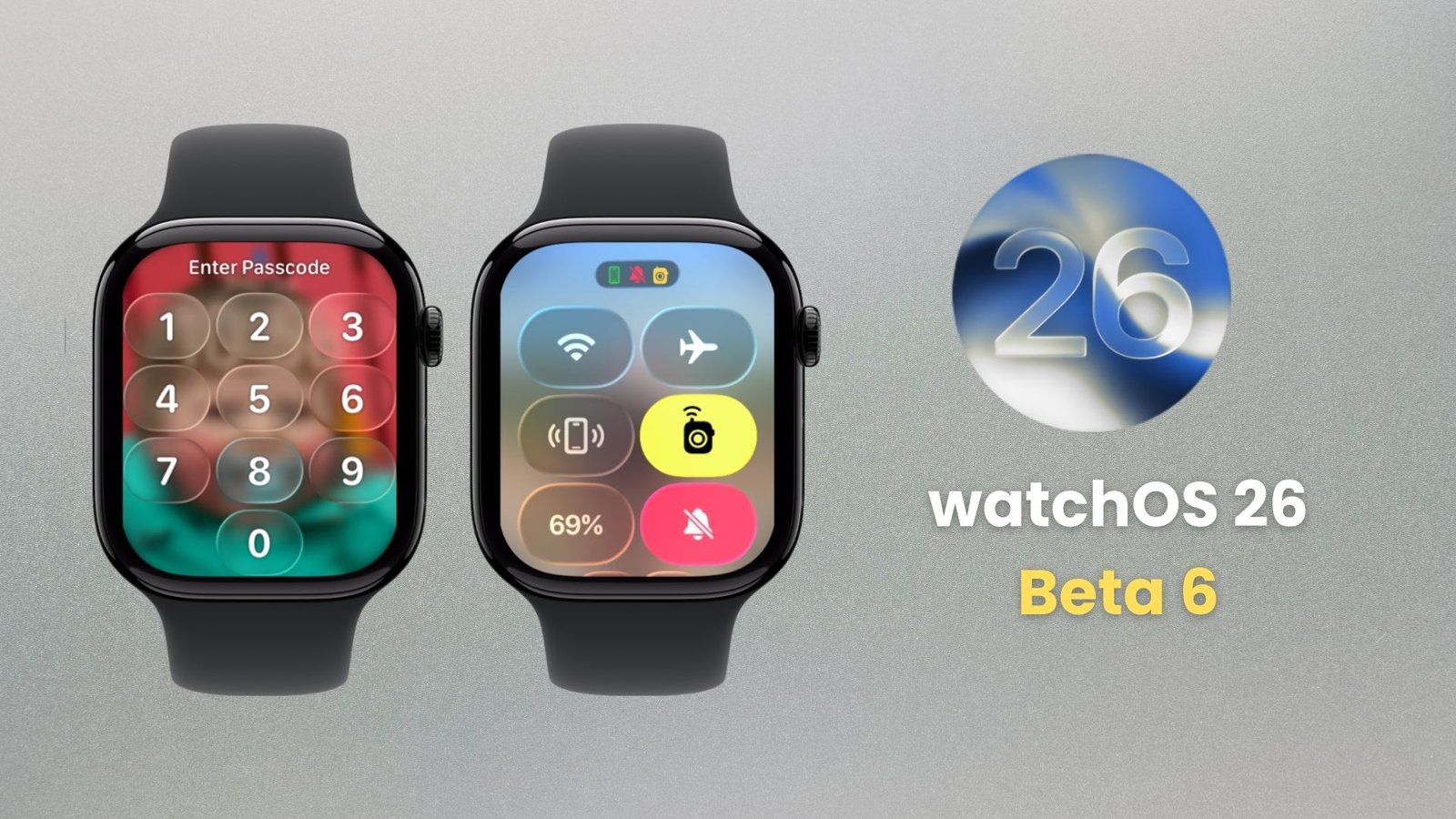
A fresh face meets you the moment the screen wakes. Motion feels smooth, cards sit with soft depth, and small taps speak clearly. This beta aims to cut friction and add a few smart tools that help you move faster every day.
Design That Feels Light
The Liquid Glass look now runs across menus, banners, and system cards. Edges are softer, icons look clean, and text breathes a bit more. Long lists scroll with a steady feel, and the watch face picker glides as you swipe through big sets. It all makes the small screen easier on the eyes.
Faster Moves With Less Effort
Swipes land quicker and the app switcher shows up with little wait. A new Wrist Flick lets you clear a banner or move through prompts with a quick snap of the hand. It is handy when your other hand holds a bag or a cup. Haptics match the pace with short, clear taps that confirm what you did.
Widgets That Show What Matters
Smart Stack brings forward the right card at the right time. Timers, calendar peeks, and travel cards step up when they are likely needed. Pinned items stay where you set them. Complications refresh more often, so a glance shows fresh numbers instead of a spinner.
Notes You Can Use Right Away
The Notes app keeps the basics simple. Speak a line, tick a short list, or check a grocery note without pulling out your phone. Big touch targets help on the small screen, and quick sync brings changes to your other devices soon after you tap done.
Sound And Alerts That Adapt
Alert taps now adjust to your space. In a quiet room, they ease down. On a noisy street, they rise so you do not miss a cue. Media follows the same idea, so a podcast does not jump in loudness when you step outside. Voice notes start and end with less delay, trimming tiny gaps that used to cut off words.
Health Features That Guide You
Vitals on the wrist puts nightly trends in one place. Heart rate, breathing, and skin temperature are easy to scan, so unusual shifts stand out fast. Workout heart zones use clear color bands and simple post run cards that tell you how long you stayed in each zone. Sleep charts draw steadier stage bars and a plain weekly line you can read at a glance. Cycle tracking keeps cleaner logs and friendlier reminders to make routine checks quick and private.
Coaching That Keeps You Moving
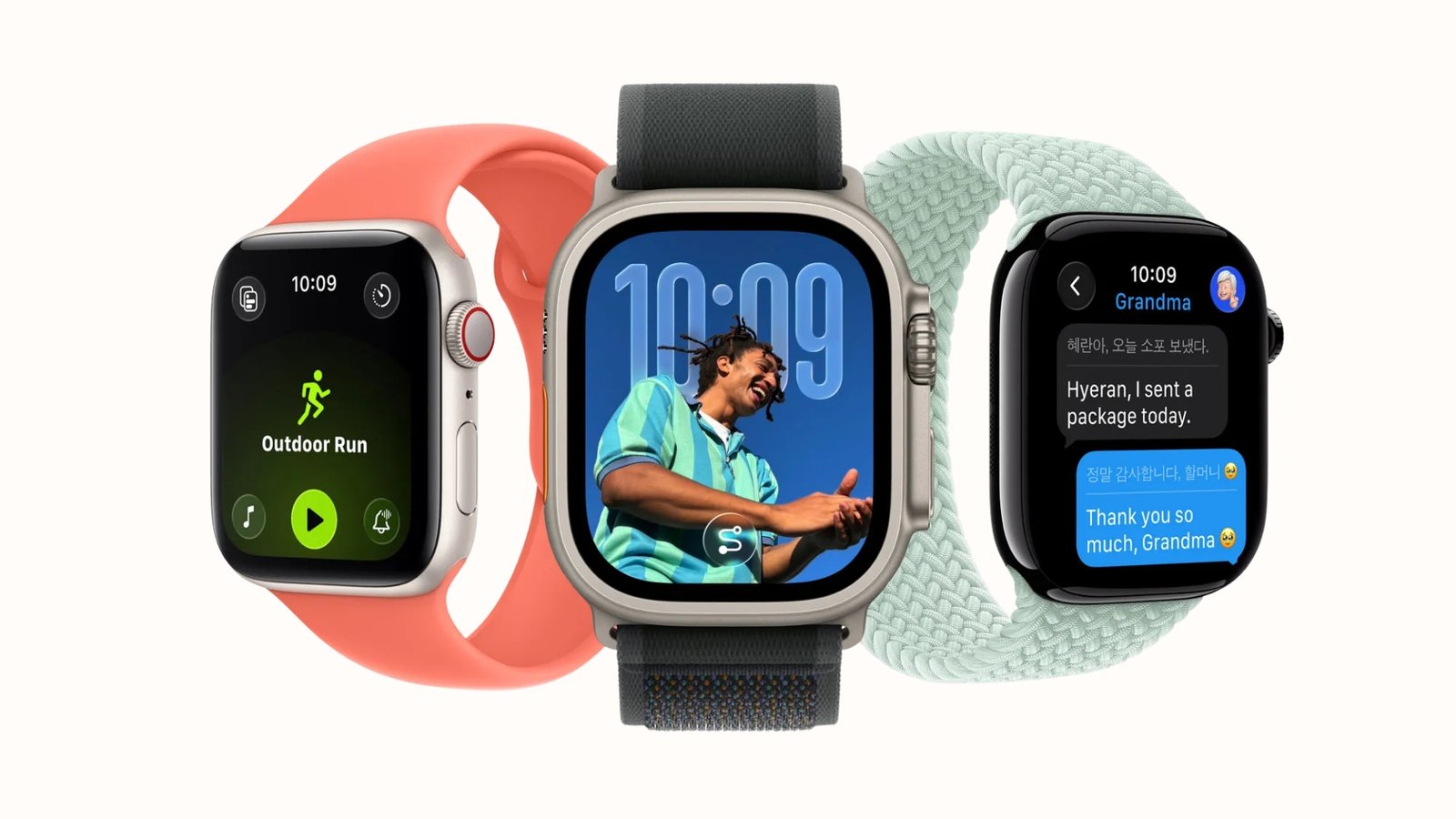
Workout Buddy gives light help during runs, walks, and rides. Pace nudges arrive when they matter, splits get a brief cue, and post workout cards recap distance, effort, and recovery hints. You can turn it on per workout so the help shows up only when you want it.
Small Fixes That Add Up
Control Center tiles show clearer on and off states. Stopwatch and timers keep perfect time while you jump between apps. Maps pans more smoothly, and apps in the dock resume with fewer reloads.
Performance That Feels Ready
Animations hold steady in long sessions, battery use during heavy scrolling is lower, and dictation wakes faster. Put together, Beta 6 makes the watch feel lighter, quicker, and more helpful with no extra learning curve.







