
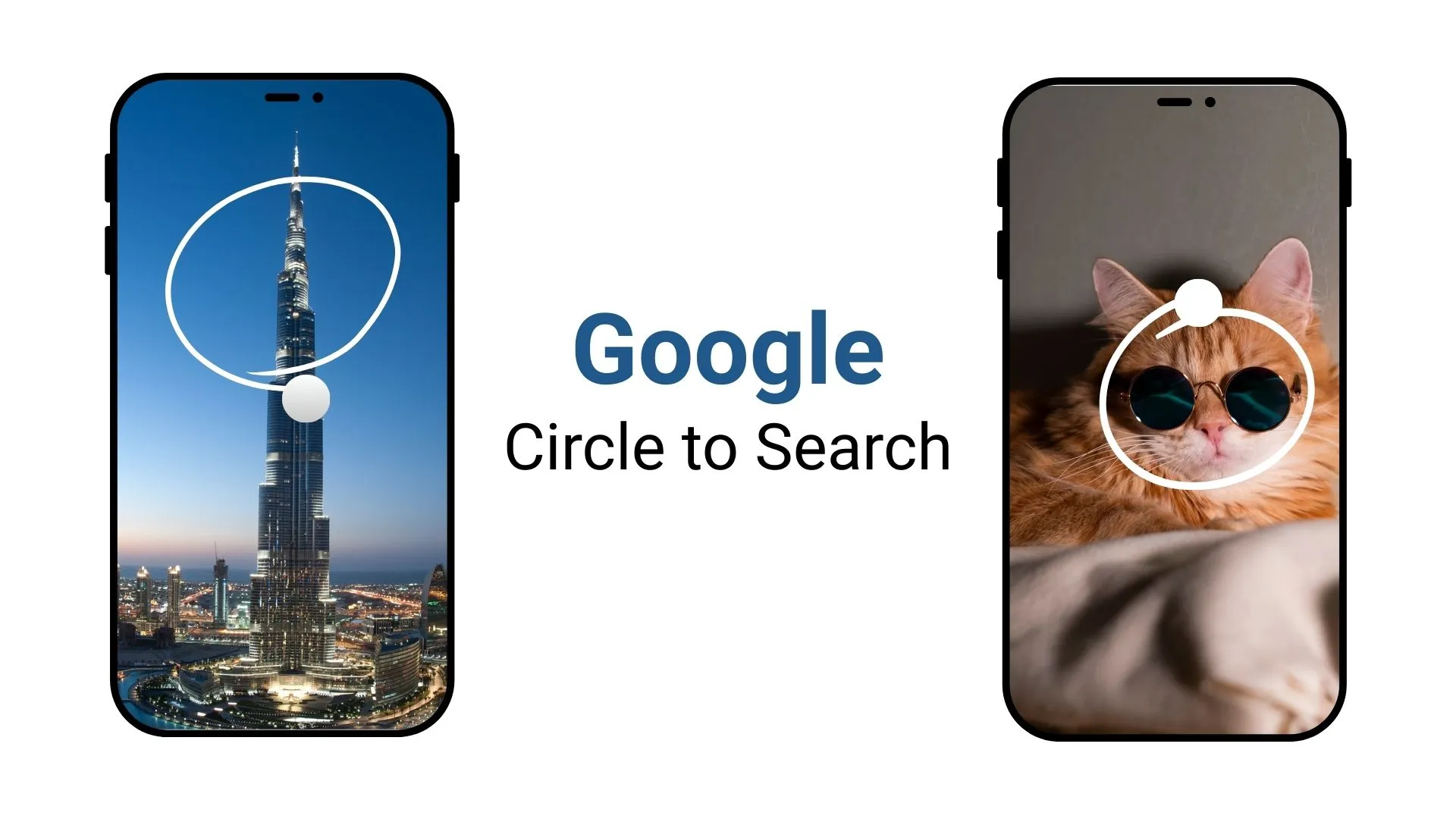
You circle a line on your screen and the words switch to your language right there. No jumping to another app. No copy and paste. That is the upgrade moving toward Circle to Search on Android, and it turns a quick gesture into a live translator that follows what you read and watch.
Translate as You Scroll, Even Inside Videos
A new live mode keeps working while the screen moves. Scroll a long article and the translation refreshes as new lines appear. Open a short clip and captions can swap to your language without pausing. Jump between apps and the overlay sticks with you, so the text you see is the text you understand.
Whole Screen, Single App, or a Small Box
Google is testing flexible ways to apply translation. You can cover the full screen, lock it to the app you are using, or draw a small box over the part that matters. That helps in busy layouts: product pages with tiny labels, map pop-ups, chat threads, PDFs, even screenshots of forms. Mark the area once, keep reading, and the words update in place.
Rolling Out in Waves to Recent Android Phones
Early sightings show the feature tied to newer Google app builds, with first access on recent Pixel and Galaxy models that already ship with Circle to Search. As usual, the rollout should land in stages. Expect tuning for fonts, mixed languages, and complex pages, plus performance tweaks so the overlay stays smooth while you scroll, zoom, or switch orientation.
Everyday Wins with One Simple Gesture
This is not about flashy numbers; it is about fewer stops. A travel menu in a photo, subtitles on a review, a classroom handout, a marketplace listing you can stay in the moment and keep going. Students can skim source material faster, shoppers can compare details without switching apps, and travelers can make sense of signs or receipts without juggling tools. One circle, one screen, less friction.







