
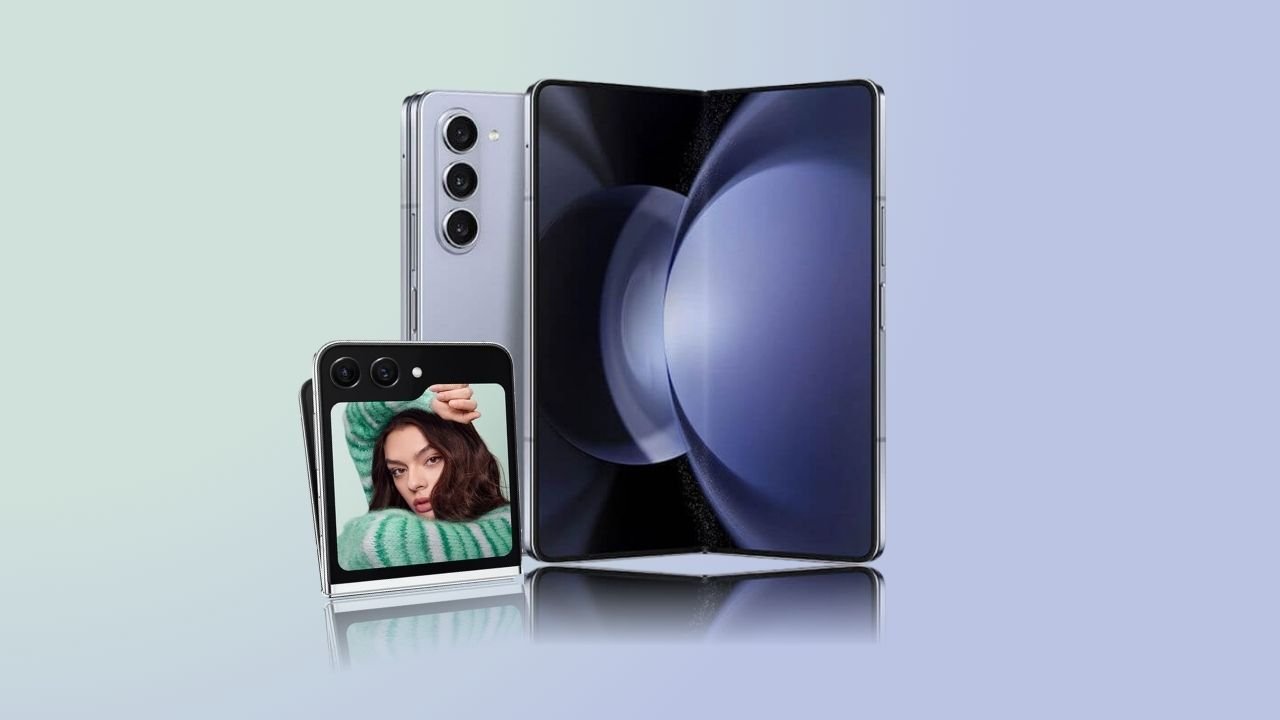
Samsung Galaxy Z Fold5 and Z Flip5: Samsung just rolled out the One UI 8 beta for Galaxy Z Fold5 and Z Flip5 in Korea bringing Android 16, fresh AI tools, and a big performance boost. But there one catch you need to know before installing.
Samsung has just surprised Galaxy Z Fold5 and Z Flip5 owners with a major update. The One UI 8 beta, built on Android 16, is now rolling out in South Korea, bringing smoother performance, fresh customization options, and new Galaxy AI tools. For 2023 foldables, this is the first chance to preview the software that will soon power Samsung next flagships.
What users can expect from the update
The update is no small package it weighs more than 3GB and comes bundled with the September 2025 security patch. Samsung has focused on polishing the overall experience rather than redesigning the interface. Users can expect smoother animations, faster transitions, and more refined multitasking on the Fold5 large screen. The Flip5 also gets improved cover display functionality and performance tweaks.
Customization gets a boost too, with new dynamic wallpapers, lock screen widgets, and theme options. Samsung in-house apps, like Calendar and Reminders, have been updated as well.
But the real star is Galaxy AI. Features like Note Assist, Web Assist, and Live Translate are now live on the Fold5 and Flip5. Samsung has also added Listen Brief, which converts text into audio summaries, and an improved Now Brief panel to help users stay on top of schedules. Together, these AI-powered tools make Samsung’s foldables smarter and more productive than ever.
Who can join and what Samsung recommends
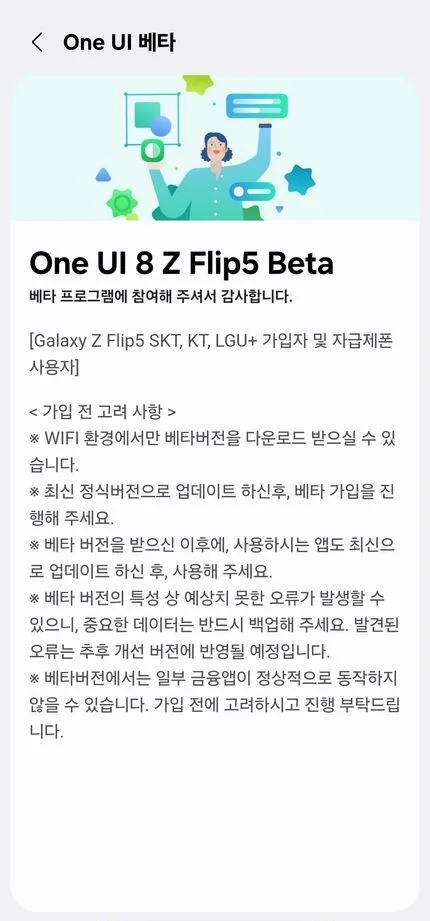
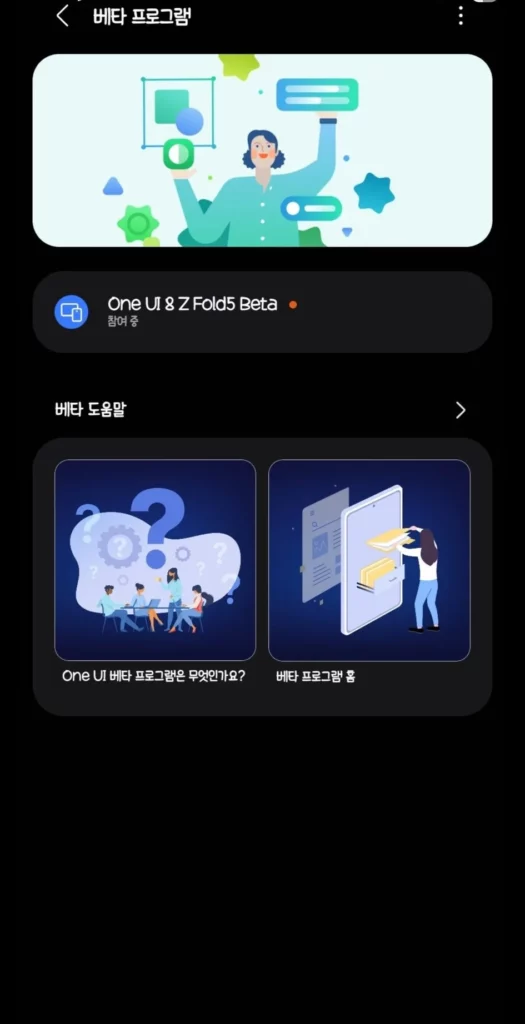
In South Korea, the beta program is available for both factory-unlocked and carrier-locked versions of the Fold5 and Flip5 on LGU+, KT, and SKT networks. Samsung has clearly mentioned that the update can only be downloaded via a Wi-Fi connection, and it strongly warns users that this is test software. That means bugs, errors, and occasional instability are expected, so making a full backup of important data is highly recommended before installing.
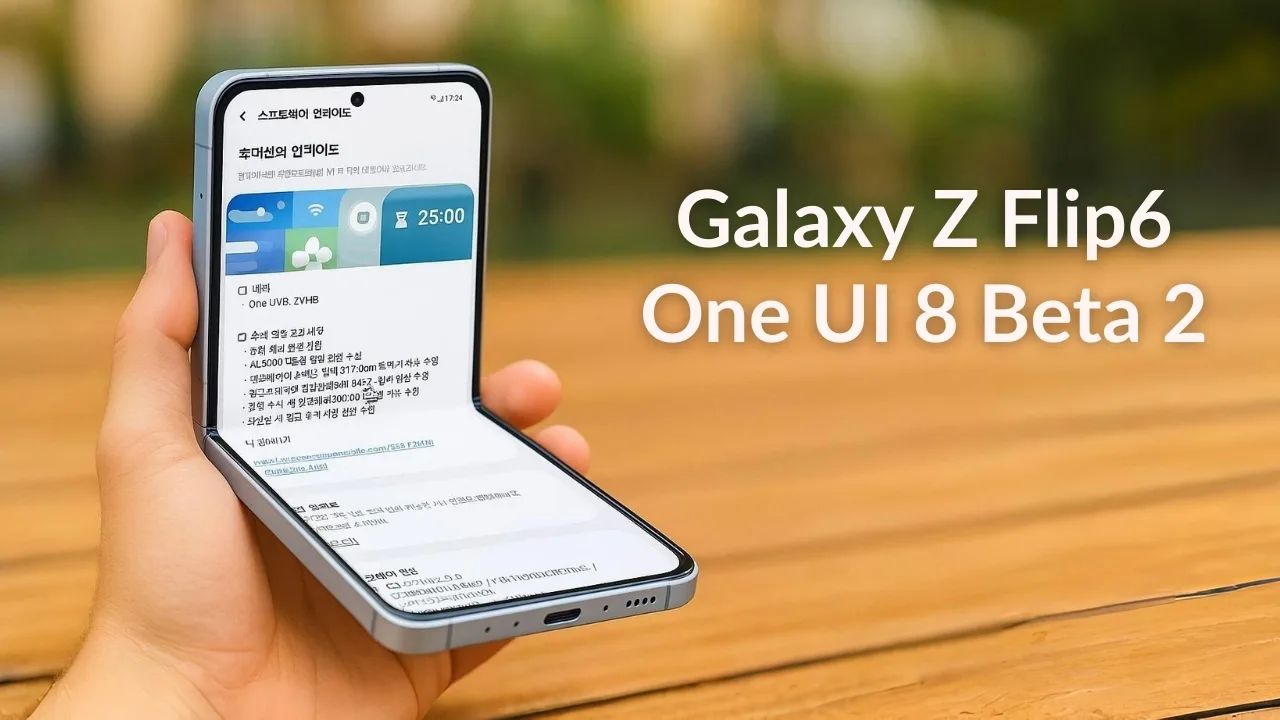
How to install One UI 8.0 beta on the Galaxy Z Flip5 and Fold5
If you own a Galaxy Z Flip5 and Fold5 in South Korea, you can try the beta today by following these steps:
- Install the latest version of the Samsung Members app.
- Log in using the same Samsung account that is registered on your phone.
- Look for the One UI 8 Beta Program notice related to your device and enroll.
- Once enrolled, go to Settings > Software update > Download and install.
- After the update is downloaded, tap Install now. Your phone will restart and you will be running the beta version of One UI 8.0.
What this means for global users
The Fold5 and Flip5 joining the beta program this early is significant. Samsung only began expanding One UI 8 to more devices in late August, and foldables were not expected so soon. With Korea already live, markets like the US, UK, India, and Germany are expected to follow in the coming weeks.
The stable release is on track to launch in September, starting with the upcoming Galaxy S25 series, followed by the Fold5, Flip5, and other recent flagships.
This update proves Samsung is not leaving its foldables behind. The Fold5 is becoming a stronger multitasking device, while the Flip5 feels smoother and more versatile. By giving 2023 models early access to One UI 8, Samsung is keeping them aligned with its latest flagships and ensuring users enjoy the same AI-driven features that will define its ecosystem moving forward.
For now, only Korean users can try it, but if history is any guide, the rest of the world will not have to wait long.







