
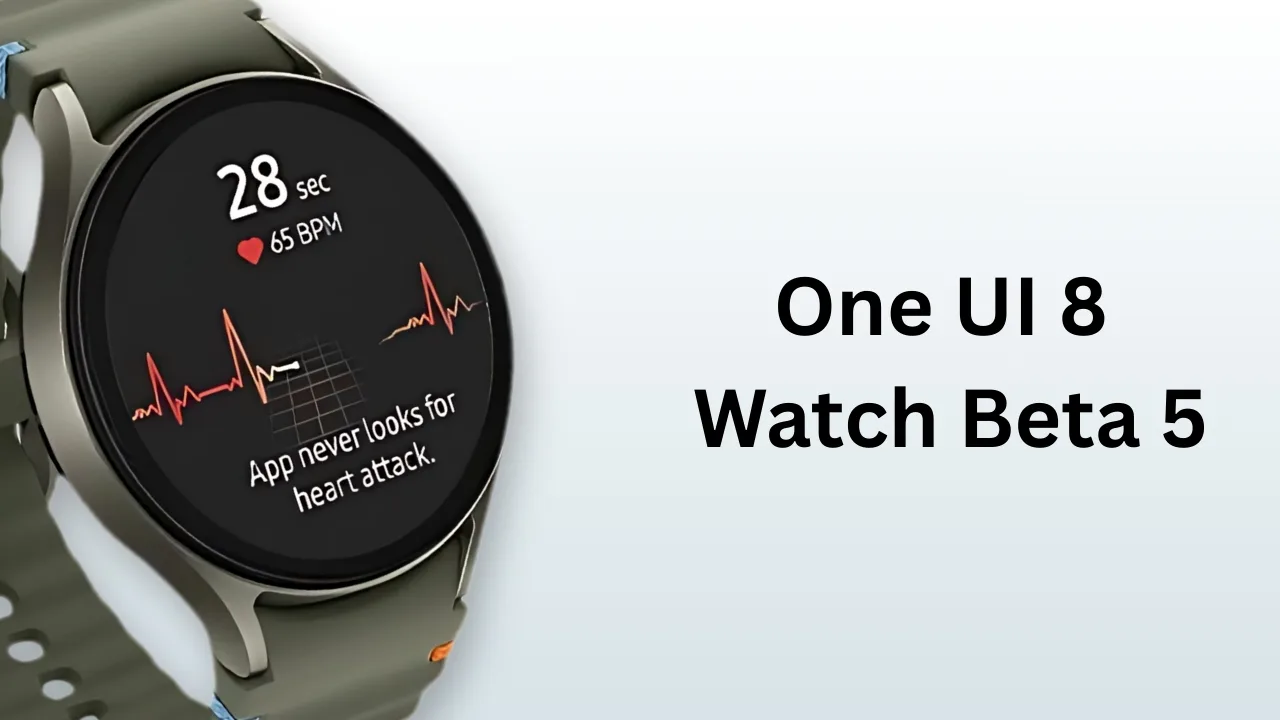
One UI 8 Watch Beta 5: Samsung releases Galaxy Watch7 One UI 8 Watch Beta 5 in the US and Korea with build ZYI4, addressing health, Always On Display, and performance issues.
Samsung has rolled out One UI 8 Watch Beta 5 for the Galaxy Watch7 in both the United States and South Korea, bringing the two markets in line with the latest beta release. The new build, tagged ZYI4, focuses on fixing persistent issues while smoothing out performance, signaling that Samsung is nearing the stable rollout of its Wear OS 6-based software.
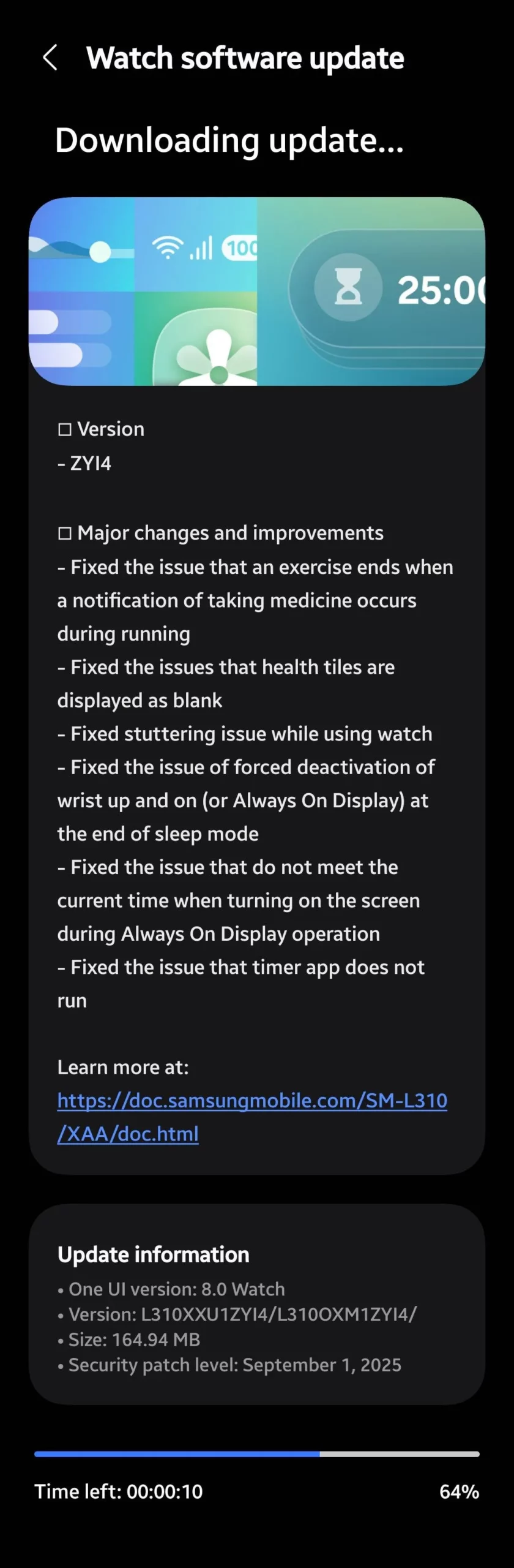
Update information – US & Korea
• One UI version: 8.0 Watch
• Version: ZYI4
• Build: L310XXU1ZYI4 / L310OXM1ZYI4 /
• Size: 164.94 MB
• Security patch level: September 1, 2025
Major changes and improvements – US & Korea
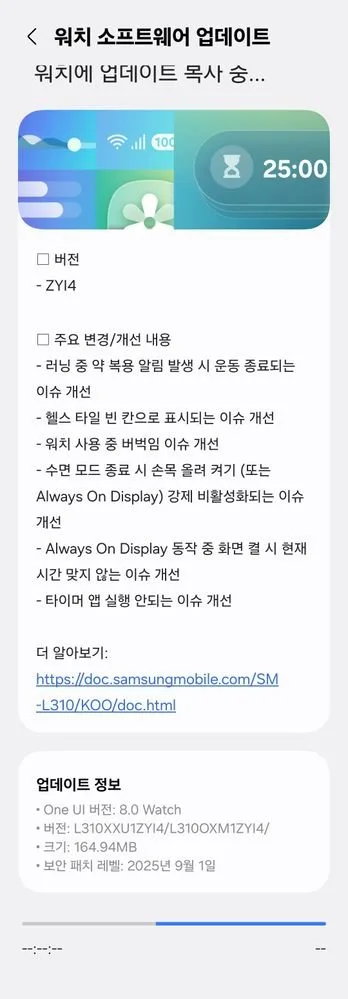
Here is a breakdown of the images shown above.
- Fixed the issue that an exercise ends when a notification of taking medicine occurs during running
- Fixed the issues that health tiles are displayed as blank
- Fixed stuttering issue while using watch
- Fixed the issue of forced deactivation of wrist up and on (or Always On Display) at the end of sleep mode
- Fixed the issue that do not meet the current time when turning on the screen during Always On Display operation
- Fixed the issue that timer app does not run
The update package, listed under model code SM-L310, is currently rolling out to both Korean units and US unlocked models identified by the XAA region code.
How to install One UI 8 Watch Beta 5 on Galaxy Watch7
Beta users can install the update by checking the Samsung Members app for notifications, then going to the Galaxy Wearable app > Watch settings > Software update > Download and install. Ensure your watch has at least 50% battery, is connected to Wi-Fi, and follow the prompts. The update should reach all US and Korean beta testers within days.
With Beta 5, Samsung is addressing critical bugs and refining performance on the Galaxy Watch7. The update shows clear progress toward a stable release, giving users a smoother and more reliable experience.







