
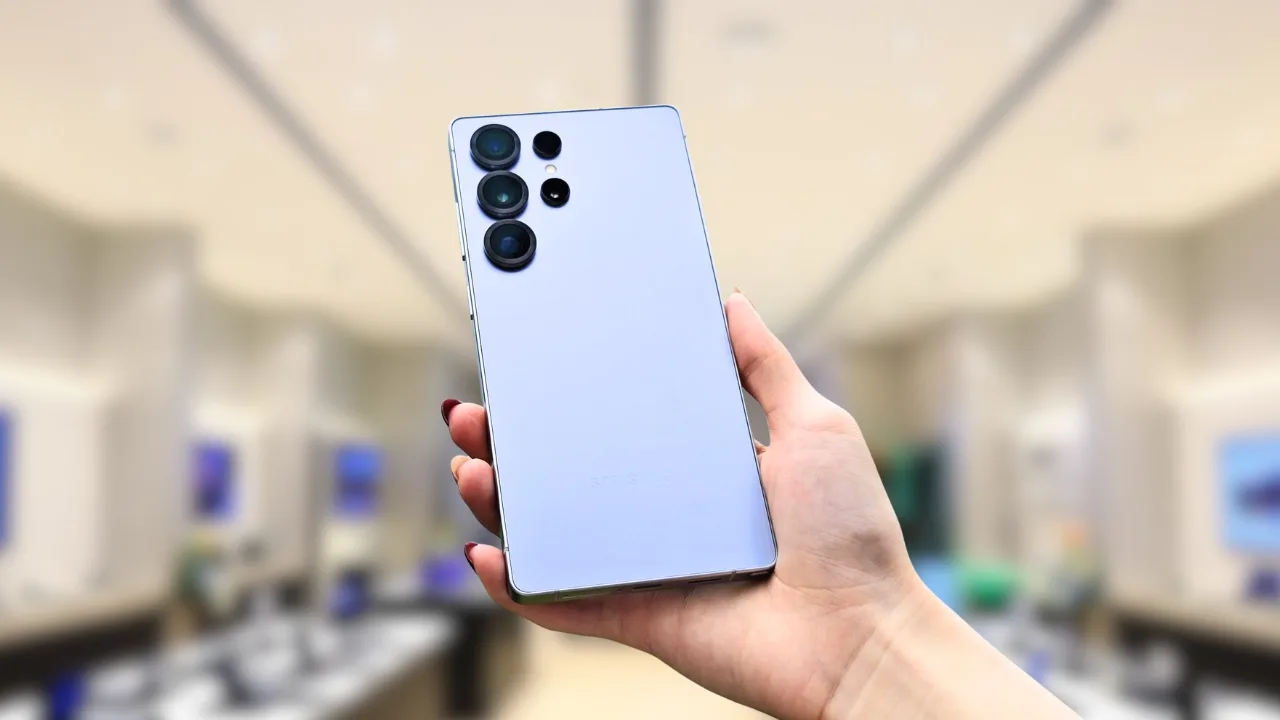
3D Capture feature: Samsung has added a hidden 3D Capture option to Galaxy phones, letting users shoot spatial photos and videos for its upcoming Galaxy XR headset.
Samsung is giving Galaxy users a first look at its mixed reality future. A new 3D Capture option has quietly shown up in the Camera Assistant app, letting some Galaxy phones record photos and videos with added depth. On the phone, these files look like normal pictures, but when viewed on Samsung’s upcoming XR headset known as Project Moohan they turn into a more immersive, lifelike experience.
The feature is not placed front and center. Instead, it is hidden inside Camera Assistant, part of the Good Lock suite. Still, its appearance is one of the clearest hints yet that Samsung’s first Galaxy XR headset is getting closer to launch.
What 3D Capture does
3D Capture adds depth data to photos and videos, creating content that feels more lifelike inside an XR viewer. Saved files show a “3D capture” tag in Gallery for easy access. On a phone screen they look flat, but transfer them to a compatible XR device and the depth effect comes alive.
The feature is part of Camera Assistant version 4.0.0.3. Once enabled, a new 3D icon appears in the Camera app’s toolbar. Current video output is Full HD at 30 fps (HEVC video with AAC audio), with file sizes close to regular clips but with added processing.
Availability on Galaxy phones
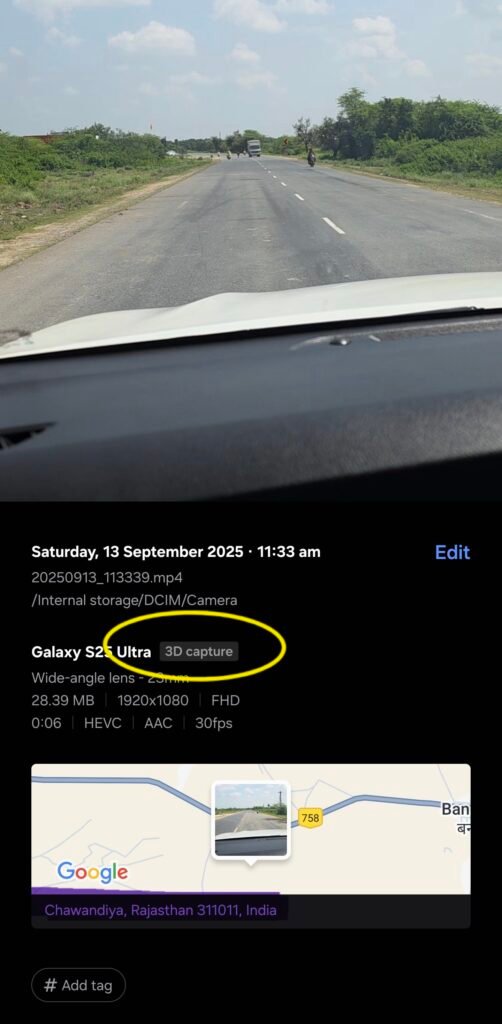
The update can be installed on phones like the Galaxy S25 FE, but early testing shows the toggle appears most reliably on the Galaxy S25 Ultra. This hints that Samsung is still working on wider device support before rolling it out broadly.
The camera viewfinder even shows a Project Moohan outline when 3D Capture is active, underlining its connection to the headset.
How to turn it on
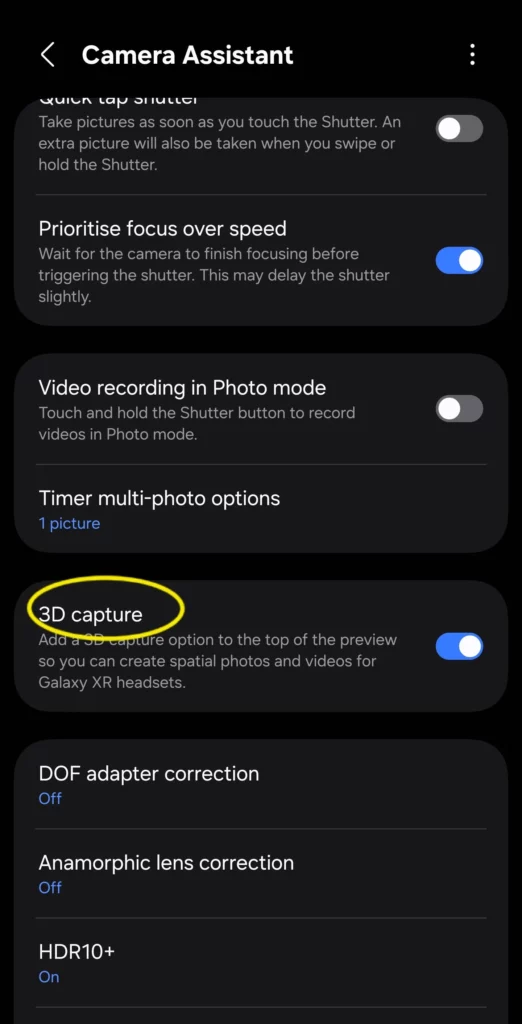
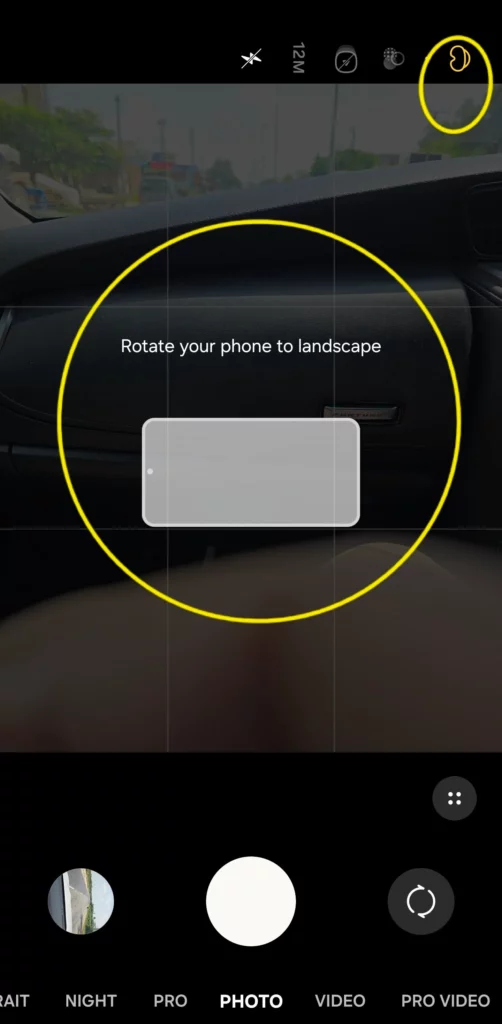
To use 3D Capture:
- Update or install Camera Assistant (v4.0.0.3) from Good Lock.
- Open the app and enable the “3D Capture” toggle.
- Launch the Camera app and select the new 3D icon.
- Switch to landscape orientation, which is required for this mode.
The feature is currently limited to standard Photo and Video modes. Portrait, Night, and Pro shooting are not supported yet.
What to expect from Project Moohan
Samsung has confirmed that its first XR headset will launch this year. Reports suggest it will include:
- Multiple onboard cameras for tracking and passthrough
- Dual high-resolution Micro-OLED displays with a high refresh rate
- An external battery pack
- Android XR support with access to regular Android apps
- Gesture controls, with optional motion controllers sold separately
With these specs, Samsung is positioning Project Moohan as a direct competitor to Apple’s Vision Pro, but with tighter integration across Galaxy devices.
Shooting tips for better 3D
Early users recommend keeping subjects between 0.5–3 meters away for the best depth effect. Smooth pans work better than fast movements, and well-lit, textured scenes give the strongest results. Using a tripod or grip helps avoid shaky video.
A quiet but important step
Samsung often introduces experimental features through Good Lock before adding them to its core apps. 3D Capture fits that pattern hidden, limited, but already useful. For Galaxy owners, spotting the new toggle means one thing: your phone is already preparing for Samsung’s XR future.







