
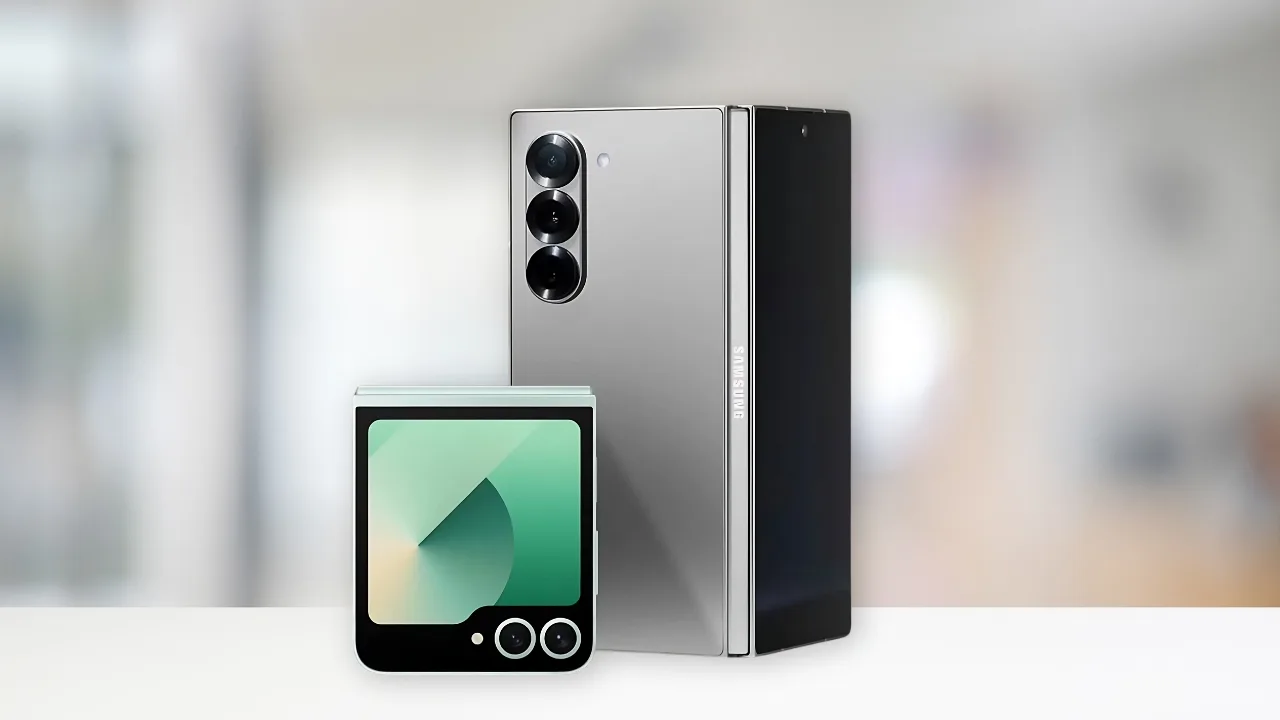
Galaxy Z Flip 6 and Z Fold 6: Samsung has started rolling out the stable One UI 8 update with Android 16 for the Galaxy Z Flip 6 and Z Fold 6 in South Korea, with global expansion coming soon.
Samsung has officially started rolling out the stable One UI 8 update based on Android 16 for its newest foldables, the Galaxy Z Flip 6 and Galaxy Z Fold 6. The rollout begins in South Korea, with both beta and non-beta users now seeing the update. A global release is expected to follow soon, bringing Samsung’s latest software experience to more users.
Update rollout and version numbers
The One UI 8 update for the Galaxy Z Fold 6 arrives with firmware version F956NKSU2CYI7, while the Galaxy Z Flip 6 is receiving version F741NKSU2CYI6. Alongside the Android 16 upgrade, the update also includes the September 2025 Android security patch, ensuring better protection against vulnerabilities.
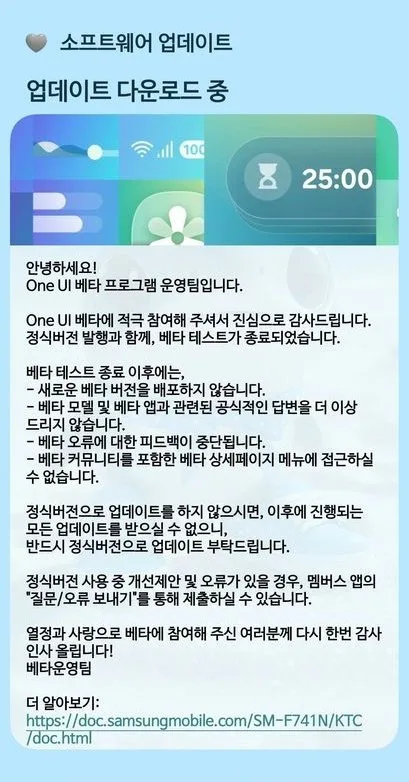
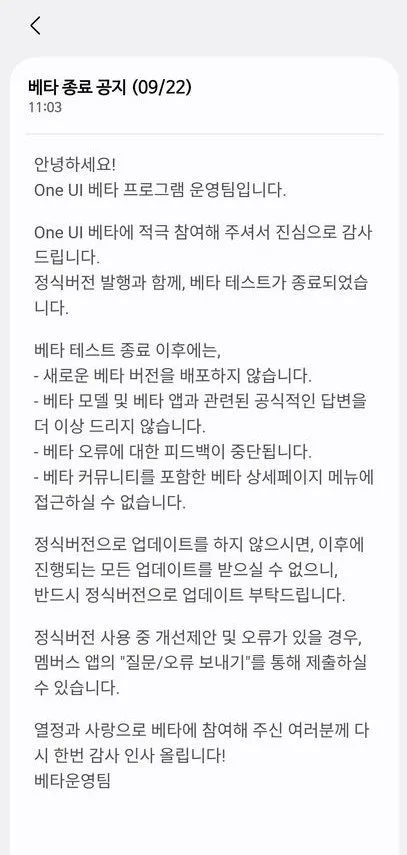
Beta testers are receiving a lighter patch, roughly 600MB in size, while users moving from One UI 7 should expect a larger 4GB package when the update reaches them.
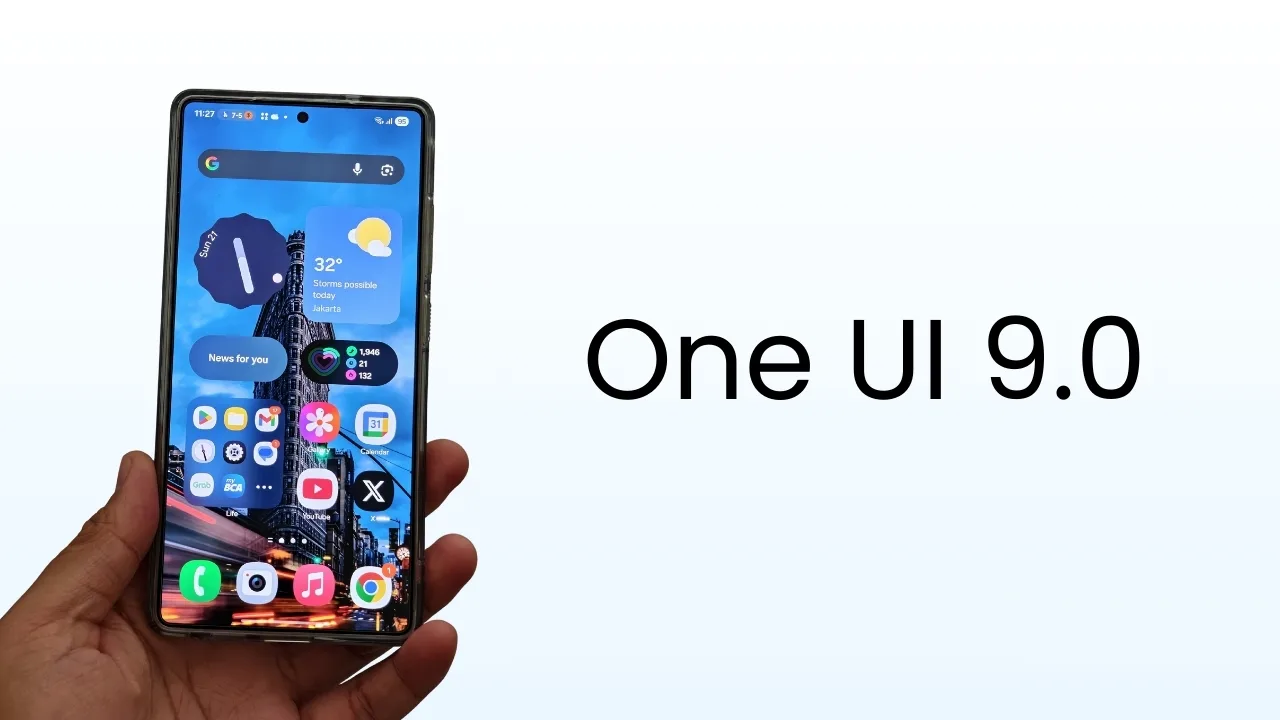
What new features are included
Samsung has focused this update on refinement, polish, and smarter features tailored for foldables. Key highlights include:
- Camera improvements: The new Best Face feature helps users fix group shots by swapping in better expressions after the photo is taken. The Camera app also gets a quicker swipe gesture for easier control access.
- Smarter lock screen and styles: New clock layouts and automatic wallpaper suggestions from the gallery give users fresh personalization options.
- Galaxy AI refinements: Features like AI Select and Audio Eraser continue Samsung’s push into useful on-device AI tools.
- App and system upgrades: Samsung has updated apps like My Files, Quick Share, Reminders, and Samsung Internet. Secure Folder is stronger, Samsung DeX benefits from Android 16’s desktop improvements, and system animations run smoother.
- Better sharing and integration: Auracast audio sharing works more reliably, while Live Updates let more apps display real-time information in the status bar.
Together, these tweaks make the update feel like a meaningful upgrade rather than a small patch.
How to get it
If you live in South Korea, you can check for the update manually by navigating to Settings → Software update → Download and install. Users outside Korea will need to wait a little longer, but given how quickly the Galaxy S25 series received One UI 8 last week, the broader rollout should not take long.
Samsung’s decision to bring the stable One UI 8 to its latest foldables so quickly shows the company’s growing focus on software speed and stability. If you own a Galaxy Z Flip 6 or Z Fold 6, keep an eye on your notifications the upgrade is around the corner.







