
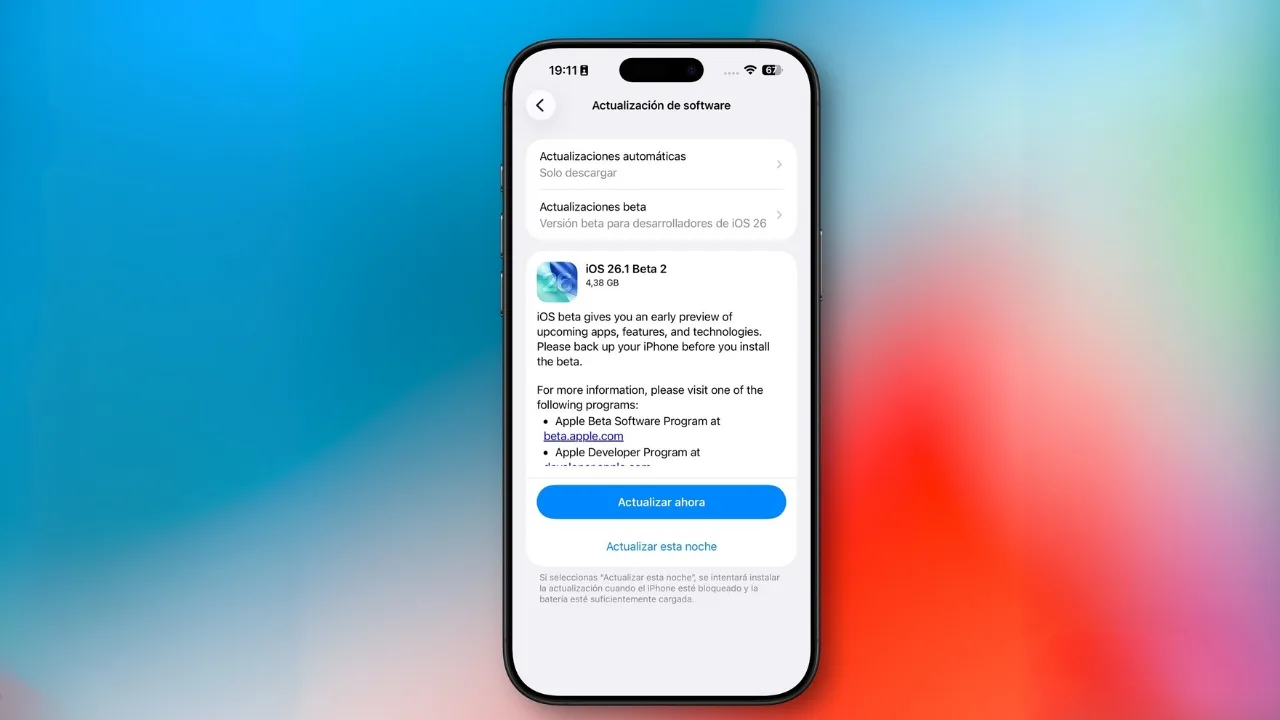
iOS & iPadOS 26.1 Beta 2: Apple’s iOS and iPadOS 26.1 Beta 2 focus on everyday improvements with smarter alarms, automatic security updates, refined UI design, and new accessibility options.
Apple has released iOS 26.1 Beta 2 and iPadOS 26.1 Beta 2 for developers. This update may look small, but it brings useful everyday changes. With smarter alarms, smoother multitasking, and cleaner visuals, it makes your iPhone and iPad easier and nicer to use.
Smarter alarms and timers
The Clock app now introduces a new “Slide to Stop” gesture. Instead of tapping to stop your alarm a move that often leads to missed mornings you now swipe to turn it off. A tap still snoozes the alarm. It is a tiny but clever change designed to prevent accidental dismissals and make mornings a little easier.
Automatic security updates
A new toggle in Privacy & Security settings lets your device automatically download and install security patches. It builds upon Apple’s previous Rapid Security Response system, ensuring that essential fixes reach your iPhone or iPad without you having to lift a finger.
Also Read: iOS 26 Has a Surprise for iPhone Users Who Worry About Apple Intelligence Storage
Fitness gets more flexible
The Fitness app now allows users to create custom workouts, giving you full control over exercise type, intensity, and duration. Whether you want short HIIT bursts or long endurance sessions, this feature adapts to your personal training style.
iPad multitasking makes a comeback
For iPad users, Apple has reintroduced Slide Over, the floating multitasking feature that allows you to open a secondary app without disrupting your current workflow. You can quickly check Messages, take notes, or use the calculator while keeping your main app open.
The iPad also gains a new input gain slider for external microphones, ideal for content creators, teachers, and podcasters who record audio directly on their devices.
Design and UI refinements
Apple continues to refine the Liquid Glass design introduced with iOS 26. Icons appear slightly darker, transparency effects are toned down, and text alignment across Settings and folders now follows a left-aligned layout for a cleaner look.
Wallpaper improvements
When setting a new wallpaper on the Lock Screen, brief instructions such as “Pinch to Crop” now appear momentarily and fade away, rather than staying visible. It creates a cleaner, distraction-free setup process that feels smoother and more modern.
Calendar adjustments
Apple has reverted a visual change from Beta 1 calendar events no longer filled with solid colors. The familiar translucent event design is back, keeping the Calendar easier to read at a glance.
Photos app tweaks
In the Photos app, the menu for managing multiple selected images has been rearranged. Options like Play as Slideshow, Favorite, and Hide now appear at the top, making common actions faster to reach.
Accessibility upgrades
Under Accessibility → Display & Text Size, Apple has added a new “Display Borders” toggle. This replaces the older “Button Shapes” option and adds clear borders around interactive buttons, improving visibility and ease of use for those who prefer stronger interface outlines.
Also Read: iPadOS 26 Brings Liquid Glass Design, Smarter Multitasking, and Apple Intelligence Features
Beyond iOS and iPadOS
Alongside iOS and iPadOS, Apple has also released Beta 2 versions of macOS 26.1 Tahoe, watchOS 26.1, tvOS 26.1, and visionOS 26.1, keeping its entire ecosystem in sync ahead of the final release later this year.
iOS and iPadOS 26.1 Beta 2 are not about headline features they are about polish, precision, and comfort. From smarter alarms to streamlined wallpapers and improved accessibility, Apple is showing that even the smallest touches can make the biggest difference in daily use.







