
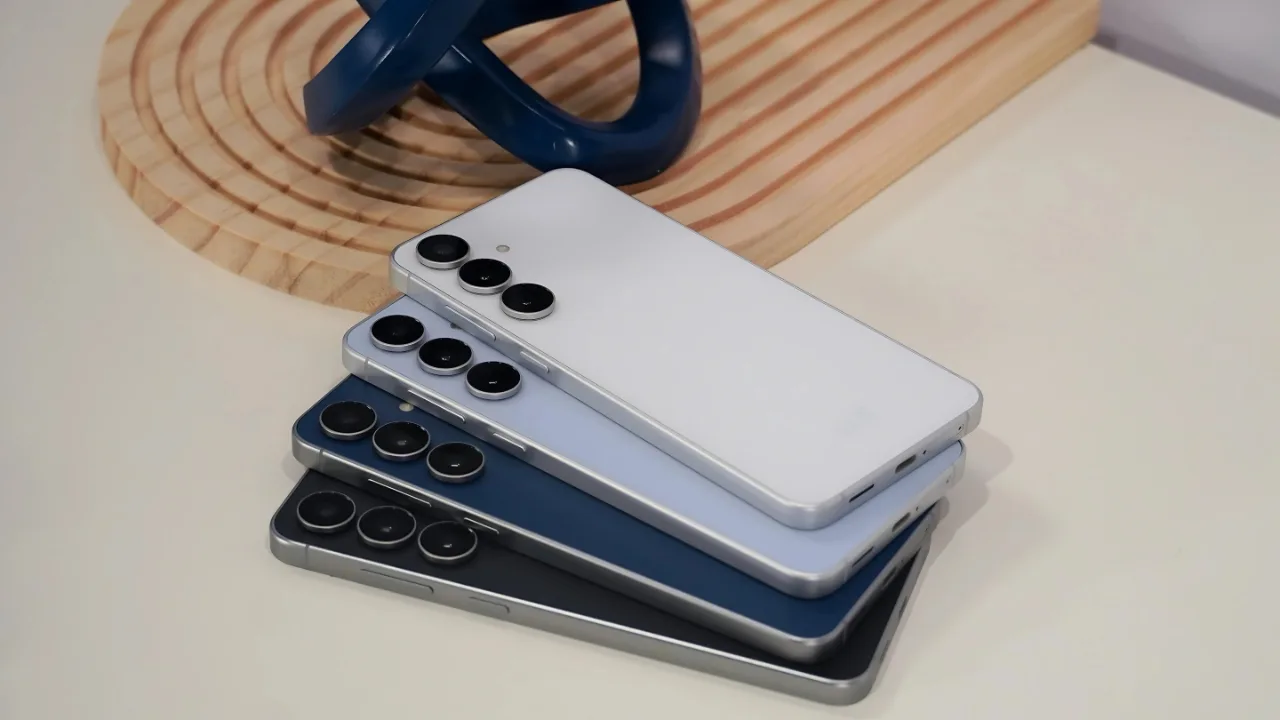
Galaxy S24 FE: Samsung Galaxy S24 FE is now receiving the stable One UI 8 update with Android 16, Call Captions, Portrait upgrades, and September 2025 security patch.
Samsung has begun rolling out the stable One UI 8 update with Android 16 for the Galaxy S24 FE, bringing the Fan Edition in line with the rest of the Galaxy S24 series. The release is currently live in Europe, India, and Iran, with a broader rollout expected in the coming weeks.
A major update with Android 16
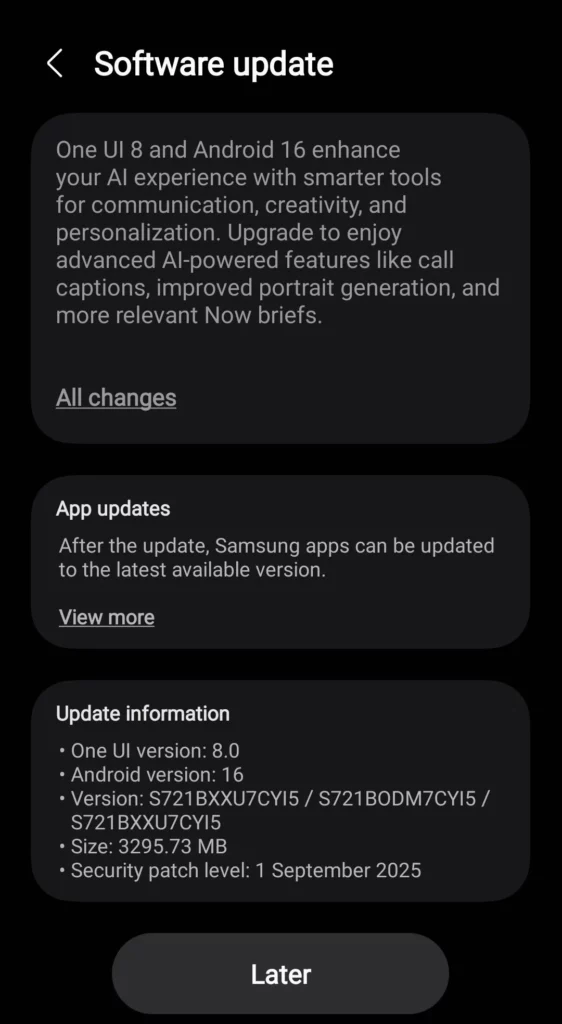
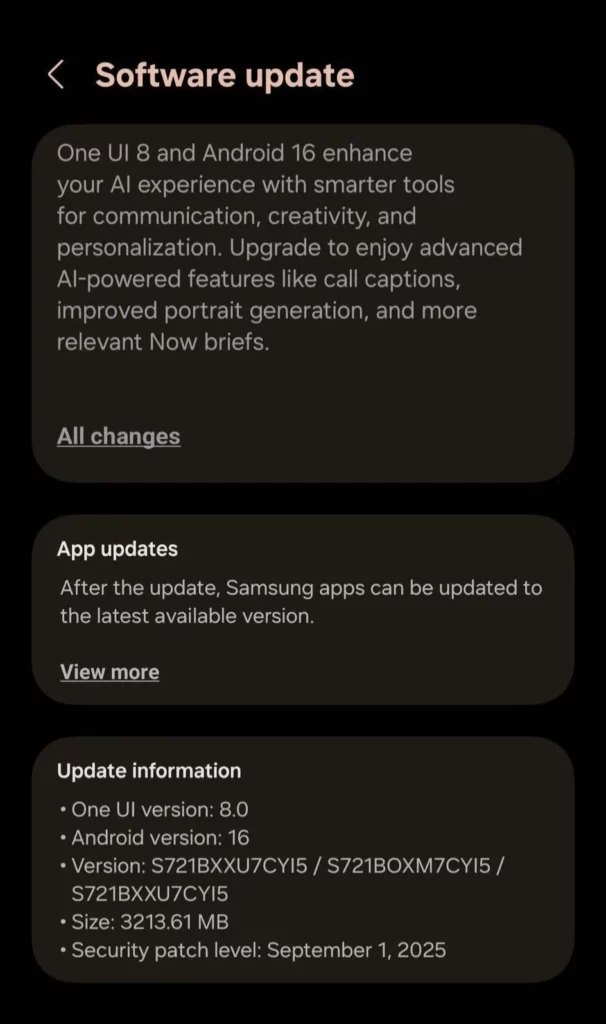
In Europe, the update arrives with firmware version S721BXXU7CYI5 / S721BOXM7CYI5 / S721BXXU7CYI5. It measures 3213.61 MB (~3.2GB) and installs One UI 8.0 on top of Android 16 along with the September 1, 2025 security patch.
In India, the update comes with build S721BXXU7CYI5 / S721BODM7CYI5 / S721BXXU7CYI5. It is slightly larger at 3295.73 MB (~3.3GB) and also includes the September 1, 2025 patch. The changelog highlights smarter AI for communication, creativity, and personalization.
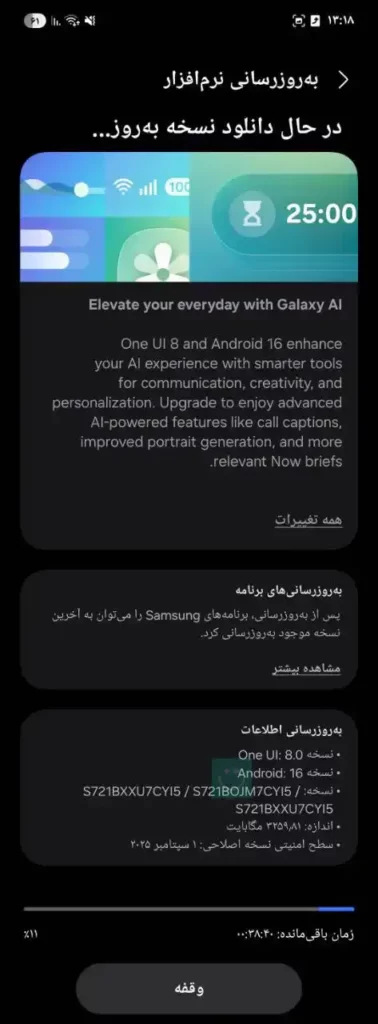
Meanwhile, in Iran, users are receiving build S721BXXU7CYI5 / S721BOJM7CYI5 / S721BXXU7CYI5 with a size of about 3.26 GB (≈ 3,258 MB). Like in Europe and India, it comes with the September 1, 2025 security patch and introduces the same AI-driven features.
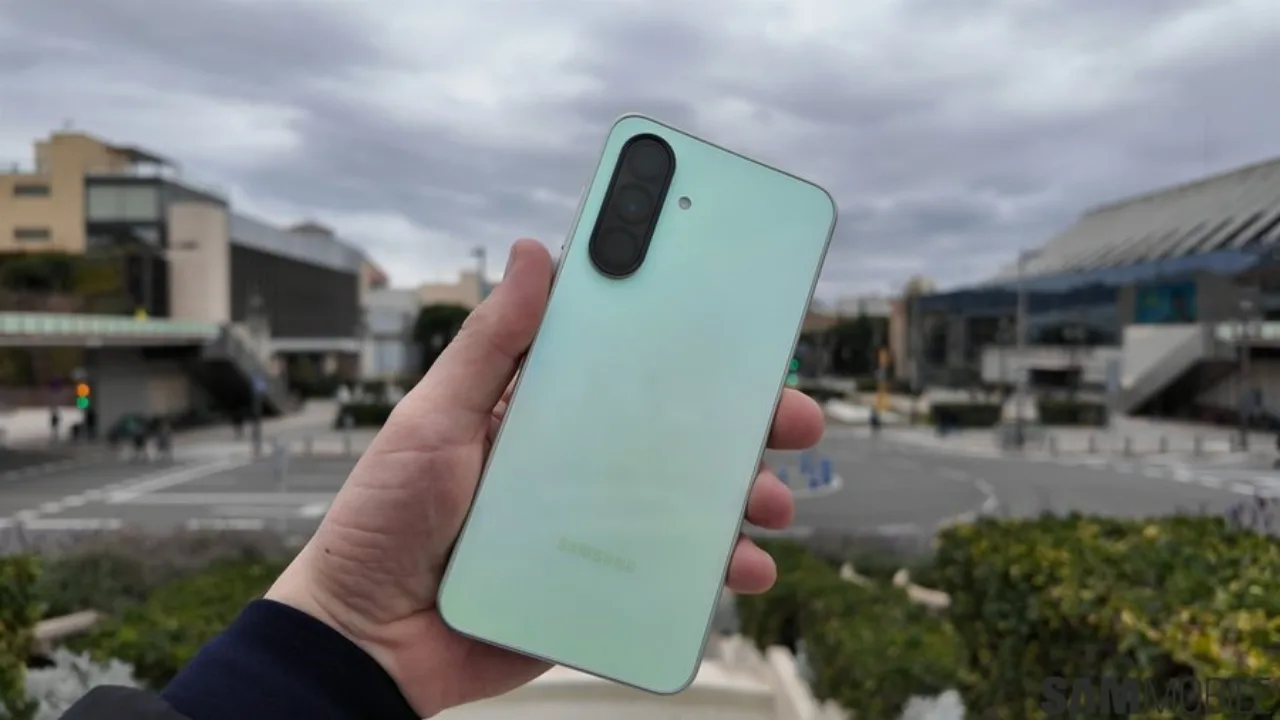
What’s new in One UI 8
The update emphasizes that One UI 8 and Android 16 enhance everyday AI experiences, including:
- Call Captions: Live captions for phone calls.
- Improved Portrait generation: Better depth, sharper edges, and relighting in portrait editing.
- Now Briefs: More relevant, context-aware summaries and suggestions.
After installation, Samsung apps can also be updated to the latest versions via the Galaxy Store.
Things to know before updating
The update is large between 3.2GB and 3.3GB depending on region so users are advised to download over Wi-Fi and keep at least 6–8GB of free space. Devices should be charged to 50% or more before starting. Since the update bumps the bootloader to version U7, rolling back to older builds is not possible.
How to check for the update
If you have not received a notification yet, head to:
Settings → Software update → Download and install
Once installed, confirm the version in About phone → Software information. It should show One UI 8.0, Android 16, build ending in CYI5, and the September 2025 security patch.
With this release, the Galaxy S24 FE finally matches the main S24 series in both software and Galaxy AI features, giving users a smarter and more refined experience.







