
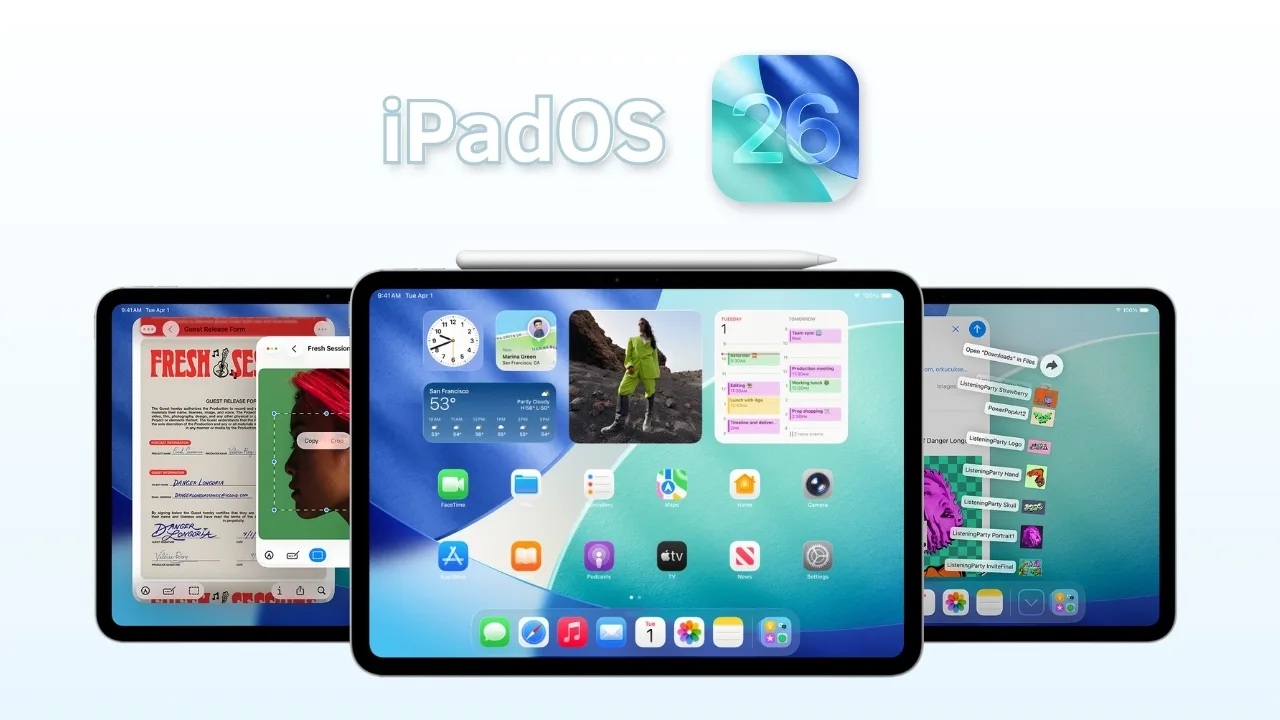
iPadOS 26 launches with Liquid Glass design, smarter multitasking, new Camera tools, Apple Intelligence features, and expanded customization for compatible iPads.
Apple has officially released iPadOS 26 on September 15, 2025, delivering the most visually dynamic and powerful iPad experience yet. The update introduces a bold Liquid Glass design, smarter multitasking, and expanded Apple Intelligence features that push productivity and creativity forward.
Liquid Glass reshapes the way apps and menus appear, blending reflections and fluid transparency that shift in real time. App icons, sidebars, and controls now feel more immersive, giving everyday interactions a fresh and polished look.
Apple has also refined multitasking with a more adaptable windowing system. Users can easily shift between split views, floating windows, and full-screen apps. This makes the iPad feel closer to a desktop without losing its portability advantage.
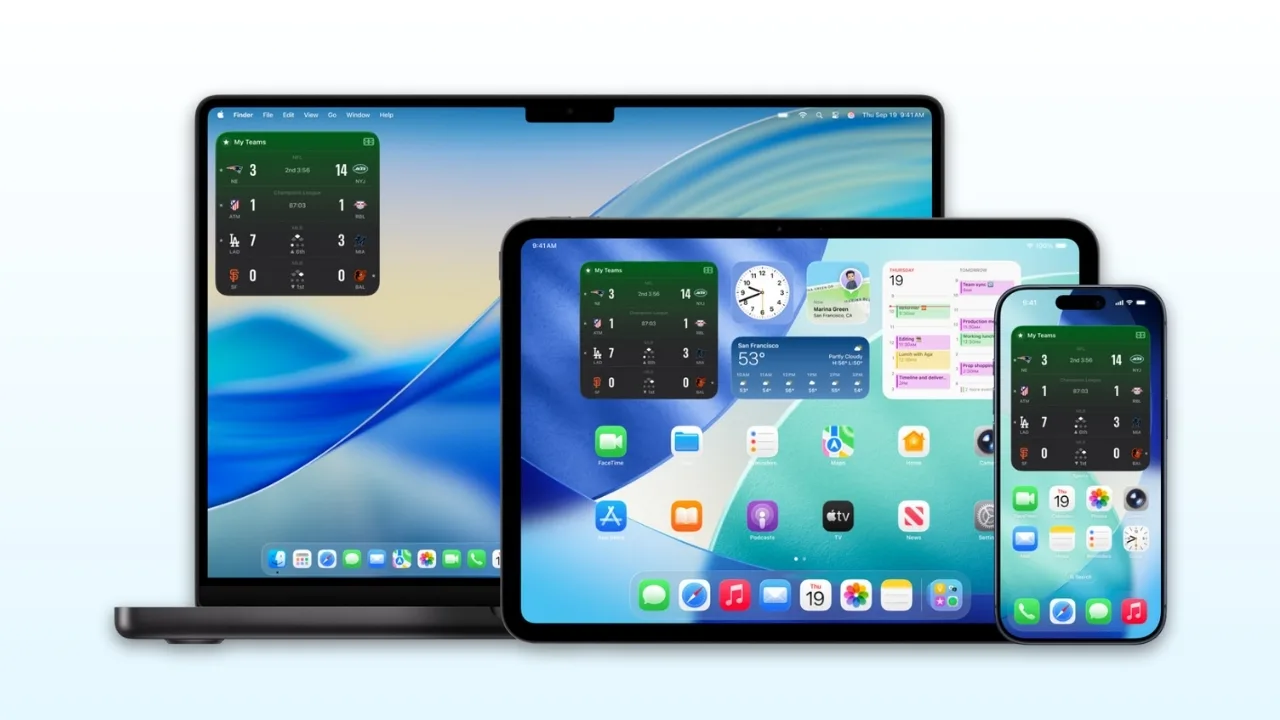
Lock screen customization is more advanced, with adaptive time that adjusts around wallpapers and animated album art that reacts to music playback. Photos can even transform into interactive spatial scenes, offering a lifelike 3D perspective.
The Camera app gains a refreshed interface with a new mode wheel, quicker panorama capture, and studio-quality audio recording when paired with AirPods Pro. A clever lens-cleaning prompt now ensures sharper shots by alerting users if the lens needs wiping.
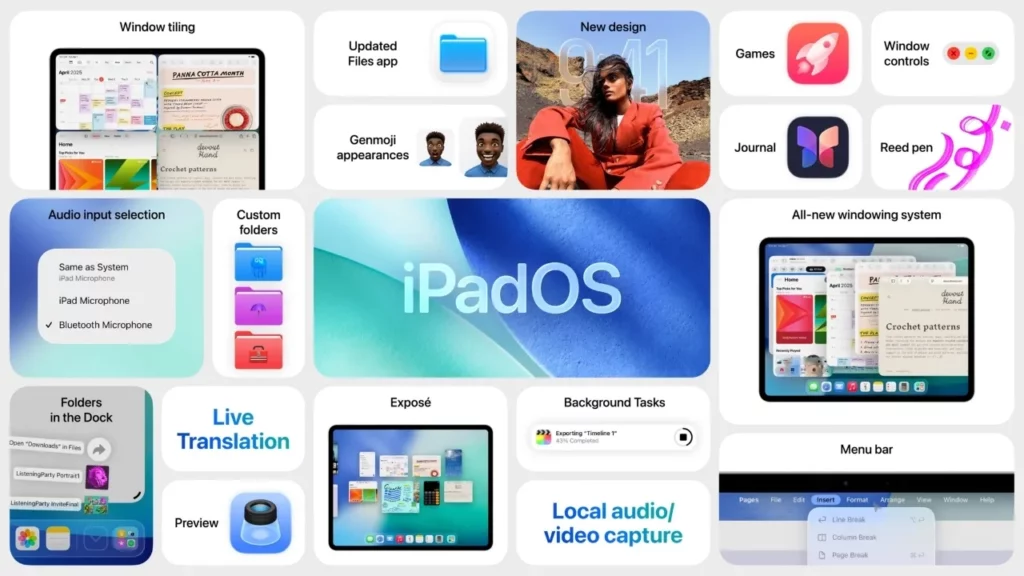
FaceTime has been redesigned with a modern landing page showcasing contact posters and video previews of missed calls. A new “More” button provides quick access to SharePlay, screen sharing, and live translation. Unknown caller filtering helps keep unwanted calls organized.
Photos receive deeper personalization, including adjustable collection views and the ability to relive memories as spatial scenes. Event details now appear directly within the app, connecting images with related concerts, games, or shows.
Safari is faster and more private, with a Liquid Glass-inspired toolbar and new sidebar design. Advanced fingerprinting protection now applies to all browsing, and web apps can be added to the home screen with greater flexibility.
Apple is also bringing Journal and Preview to iPad for the first time. Journal lets users document their day with text, photos, and prompts, while Preview supports robust document annotations directly on PDFs.
Performance improvements are tied closely to Apple Intelligence. On supported models, writing tools, photo editing, and proactive assistance become more intuitive. The system leverages on-device machine learning for privacy-focused smart suggestions.
iPadOS 26 is available now as a free download. The update requires an iPad model with an A10 chip or later, ensuring compatibility across recent and older devices.
Compatible iPads with iPadOS 26:
- iPad Pro (M4)
- iPad Pro 12.9‑inch (3rd generation and later)
- iPad Pro 11‑inch (1st generation and later)
- iPad Air (M3)
- iPad Air (M2)
- iPad Air (3rd generation and later)
- iPad (A16)
- iPad (8th generation and later)
- iPad mini (A17 Pro)
- iPad mini (5th generation and later)







