
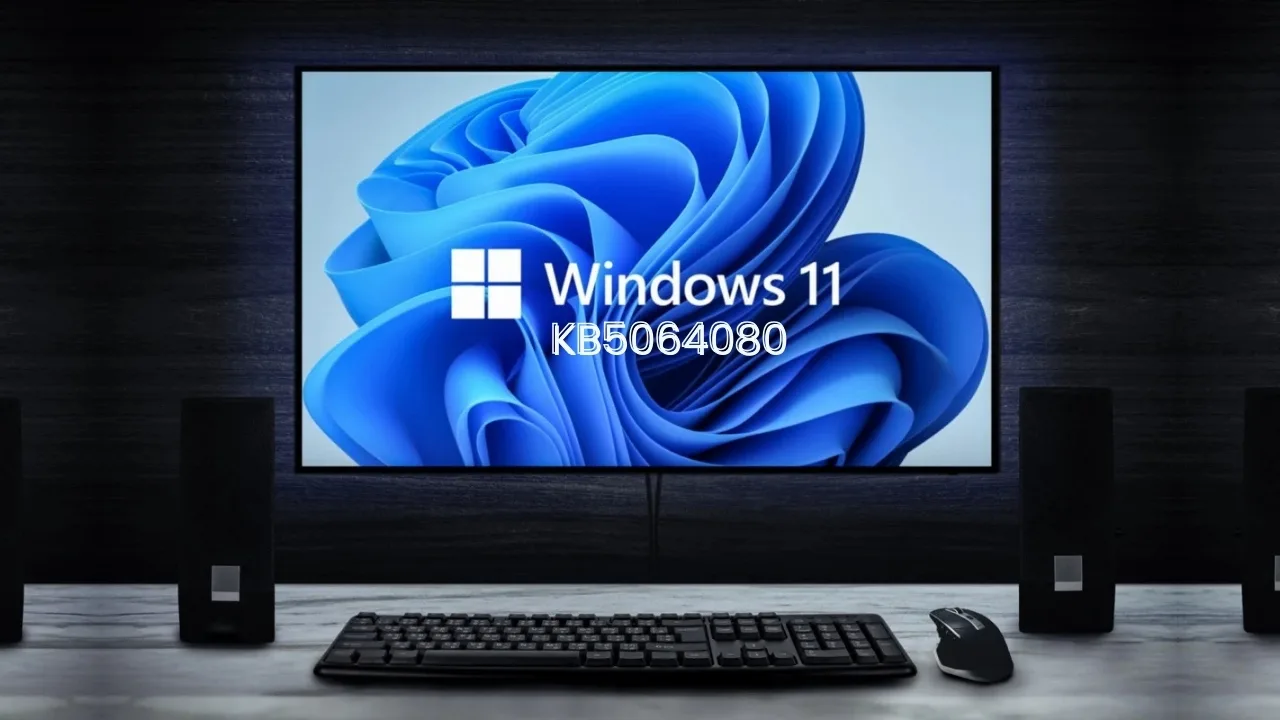
Microsoft’s August 26, 2025 KB5064080 preview for Windows 11 introduces enterprise backup tools, system fixes, and improved stability – ready to enhance your gaming setup.
Microsoft quietly rolled out KB5064080, a non‑security optional preview update (C‑release) for Windows 11, version 23H2, on August 26, 2025, OS Build 22621.5840. While not focused on gaming per se, this update includes critical improvements that smooth overall system performance – and could help you stay in the game without interruptions.
Windows Backup for Organizations Now Live
The standout feature of KB5064080 is the general availability of Windows Backup for Organizations. Previously limited to preview users, this tool enables seamless backup and restoration of device configurations – especially important for players who frequently tweak game settings or migrate between rigs. It promises minimal downtime when upgrading hardware or resetting machines, helping maintain gaming setups intact.
System Stability and Reliability Fixes
What makes a gaming session enjoyable? Reliability. This preview tackles multiple areas:
- Copilot key reliability: Now more dependable – no more failed restarts when summoning Copilot mid-session.
- File Explorer: Resolved issues where File Explorer would sometimes show only a single folder (like Desktop), and sluggish UI when syncing SharePoint sites – both can disrupt quick file access, such as mod directories or save files.
- SMB file sharing: Fixed delays when accessing content over SMB via Quick UDP Internet Connections (QUIC) – helpful if you store game content on local network shares.
- Input support: Game chat and naming now handle extended Unicode characters properly – great if using symbols or non‑Latin scripts in usernames or chat.
- Narrator accuracy: Minor enhancement for accessibility, ensuring proper labeling in facial recognition settings.
- Networking and Remote Desktop: Wi‑Fi now reconnects smoothly after policy changes, and connected cameras appear reliably in remote sessions – useful when streaming games.
Secure Boot Warning and Windows Version Reminder
Though not gaming-specific, one crucial note deserves your attention: Secure Boot certificates used by most Windows devices will begin expiring in June 2026. This may affect boot processes if unaddressed, so upgrading and updating these certificates now helps avoid future problems that could prevent system startup.
Also, note that Windows 11 version 22H2 (Enterprise and Education editions) ended receiving non‑security preview updates as of June 26, 2025, though security updates continue until October 14, 2025. Moving to version 23H2 ensures access to the latest enhancements.
Why This Matters for Gamers
- Faster, smoother access to files if you keep mods, saves, or media on network drives.
- Fewer interruptions from UI glitches or Copilot hiccups.
- Easier restores when experimenting with setups – or when resetting for performance tweaks.
- Future‑proofing: Avoid insecure boot issues later in 2026.

How to Install
This update is optional and appears under Windows Update → Optional updates available. It’s ideal for users who want the newest fixes without waiting for the next cumulative patch.
While KB5064080 isn’t a direct “gaming update,” its quality-of-life fixes and organizational tools can make a meaningful difference for gamers who value stability, flexibility, and smooth file access. Combined with proactive certificate updates and staying on v23H2, you’re setting up a smoother, more reliable system.







