
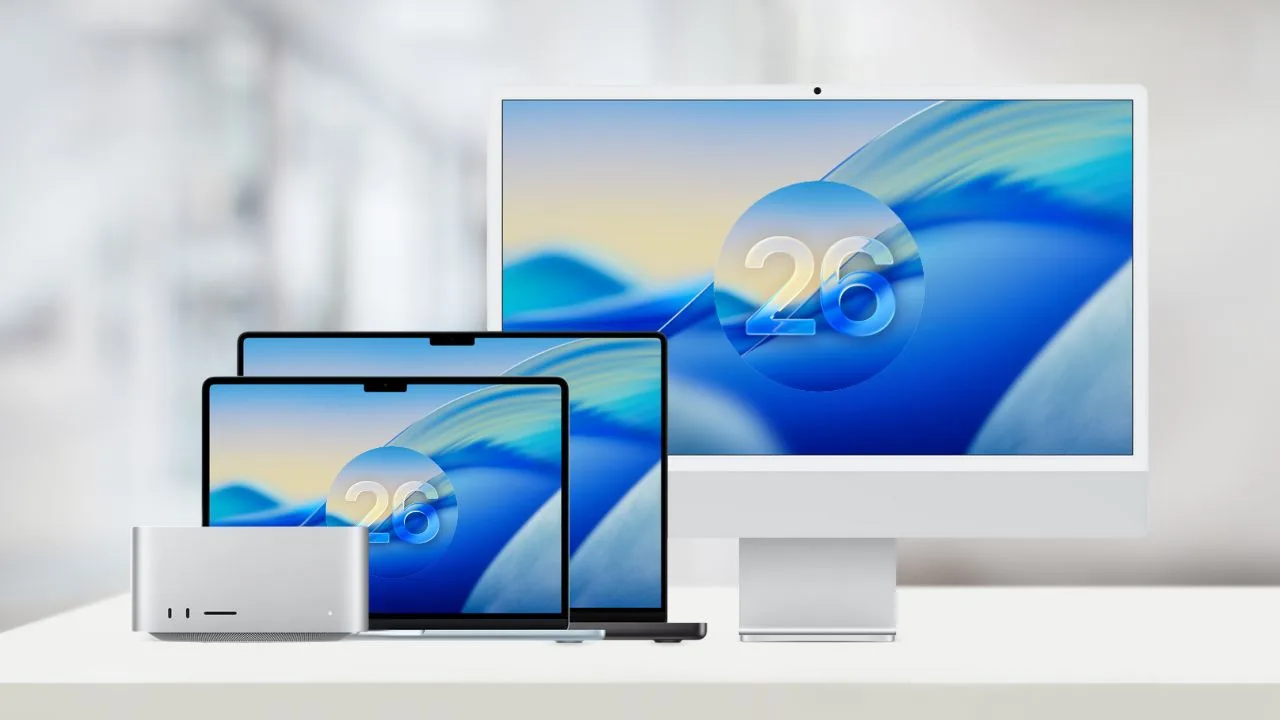
macOS 26: Apple is getting ready to launch macOS 26 this fall, bringing a new Liquid Glass design, a smarter Spotlight, and powerful Apple Intelligence features. The update is expected soon after the iPhone 17 event on September 9, possibly around September 15–16, though it could arrive later in September or October. But not every Mac will be able to install it here is the full list of supported models and what to do if yours is not included.
macOS 26 compatible Macs list
macOS update introduces Liquid Glass design, new Phone app, biggest Spotlight upgrade, and stronger Apple Intelligence with smarter Shortcuts, Live Translation, and Genmoji. Features include Live Activities on Mac, Call Screening, Hold Assist, revamped Photos, Journal app, richer Messages, new Games app with Metal 4, and enhanced accessibility. Launching this fall, compatible with Apple silicon Macs (2020+) plus select Intel models (2019–2020).
Here is the full list of Macs compatible with macOS 26:
| Mac model | First supported year | Platform |
| MacBook Air with Apple silicon | 2020 | Apple silicon |
| MacBook Pro with Apple silicon | 2020 | Apple silicon |
| MacBook Pro | 2019 | Intel |
| MacBook Pro (13-inch, Four Thunderbolt 3 ports) | 2020 | Intel |
| iMac | 2020 | Intel (2020), Apple silicon (2021+) |
| Mac mini | 2020 | Apple silicon |
| Mac Studio | 2022 | Apple silicon |
| Mac Pro | 2019 | Intel (2019), Apple silicon (2023+) |
Not All Macs Will Get the New macOS Update
Not every Mac is eligible for the new macOS featuring the Liquid Glass design, revamped apps, and Apple Intelligence. Apple has officially limited compatibility to Apple silicon Macs released from 2020 onward and a handful of Intel models from 2019 and 2020. That means most Intel-based Macs especially older MacBook Air and MacBook Pro models from before 2019 are no longer supported.
Why Some Macs Are Left Out
The limitation comes down to hardware. Apple Intelligence relies on the Neural Engine and unified memory found in Apple’s M-series chips (M1 and later) to deliver features like smarter Shortcuts, Live Translation, and Genmoji efficiently and privately. Intel-based Macs lack this architecture, so even supported models like the Mac Pro (2019) and select MacBook Pros cannot use Apple Intelligence. Apple also enforces these cutoffs to avoid lag, instability, or poor graphics performance with demanding features such as Liquid Glass and the new Games app built on Metal 4.
How to Check if Your Mac is Compatible
- Find your model and year
- Click the Apple menu () → About This Mac.
- A window will show your Mac’s model, year, and whether it lists a Chip (Apple silicon) or Processor (Intel).
- Compare with Apple’s list
- Check the macOS compatibility list above to see if your model is supported.
- Apple silicon Macs: All models from 2020 and later are supported.
- Intel Macs: Only select 2019–2020 models, including the MacBook Pro 16-inch (2019), MacBook Pro 13-inch (2020, Four Thunderbolt 3 ports), iMac (2020), and Mac Pro (2019).
- Check your macOS version
- In About This Mac, confirm you are running macOS Sequoia 15.1 or newer.
If Your Mac Is Not Supported
If your Mac is not on the compatibility list, it cannot be updated to the newest macOS and will miss out on features like Liquid Glass and Apple Intelligence. However, your Mac will continue to work normally and receive security updates for its current version for a period of time. To experience the latest macOS and Apple Intelligence, you will need to upgrade to a newer Apple silicon Mac. Alternatively, you can access Apple Intelligence on a supported iPhone or iPad.







