
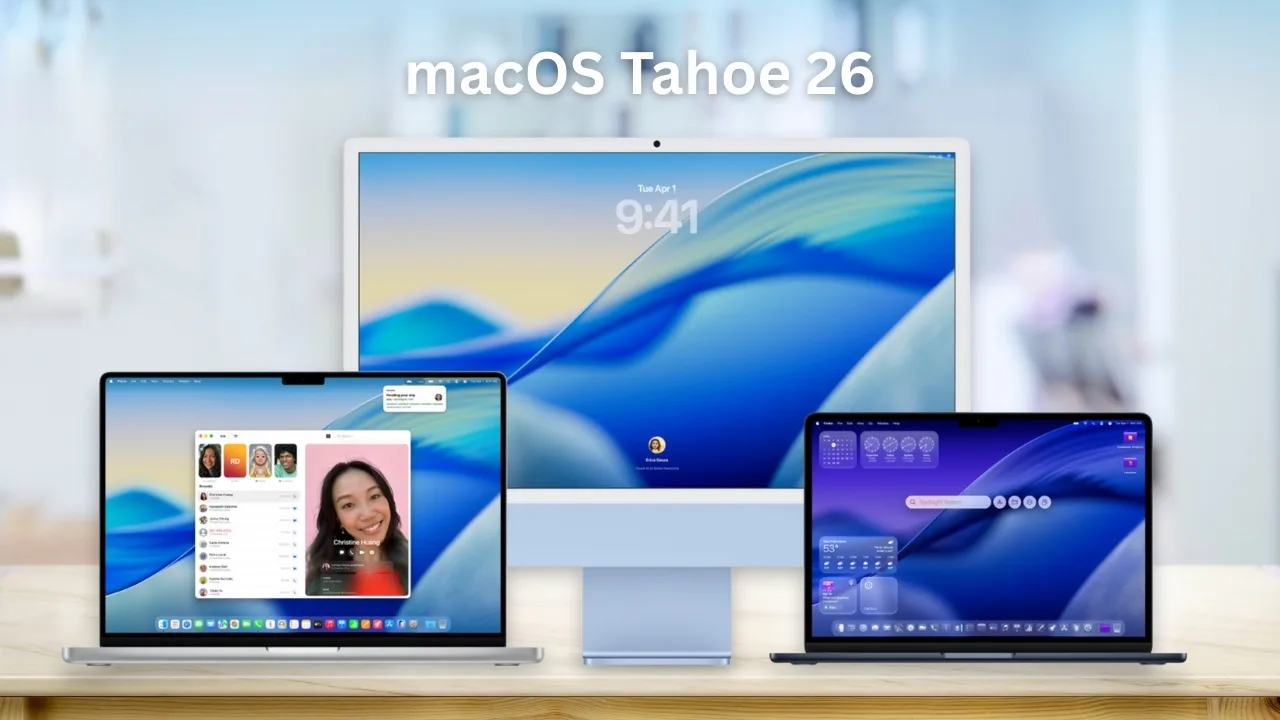
macOS Tahoe 26 brings a translucent Liquid Glass design, built‑in Phone app, Live Translation, enhanced Spotlight, and Apple Intelligence features.
Compatibility and Final Beta
macOS Tahoe supports all Apple silicon Macs and select late Intel models, notably phasing out older Macs after this version.
Apple introduced macOS Tahoe (version 26) at WWDC on June 9, 2025, with developer betas and public rollout. Developer Beta 8 (build 25A5349a) arrived August 25. This will be the final macOS version before the September 9 Apple Invites.
Visual Redesign with Liquid Glass
macOS Tahoe introduces a translucent Liquid Glass interface that floods elements like the Dock, sidebars, menus, and folders with light and background color. Standard app icons are unified across Apple platforms and offer tinted, dark, and clear variants.
Folders can now display colors, emojis, or accent adjustments, while the menu bar and Control Center offer new degrees of customization and depth.
Seamless Calling and iPhone Mirroring
A dedicated Phone app arrives on macOS Tahoe, enabling calls and texts directly from the desktop, without touching the iPhone.
Live Activities now appear in the menu bar, allowing real‑time updates such as Uber onboardings or live scores that open in iPhone Mirroring when clicked.
Smarter Spotlight with Faster Search
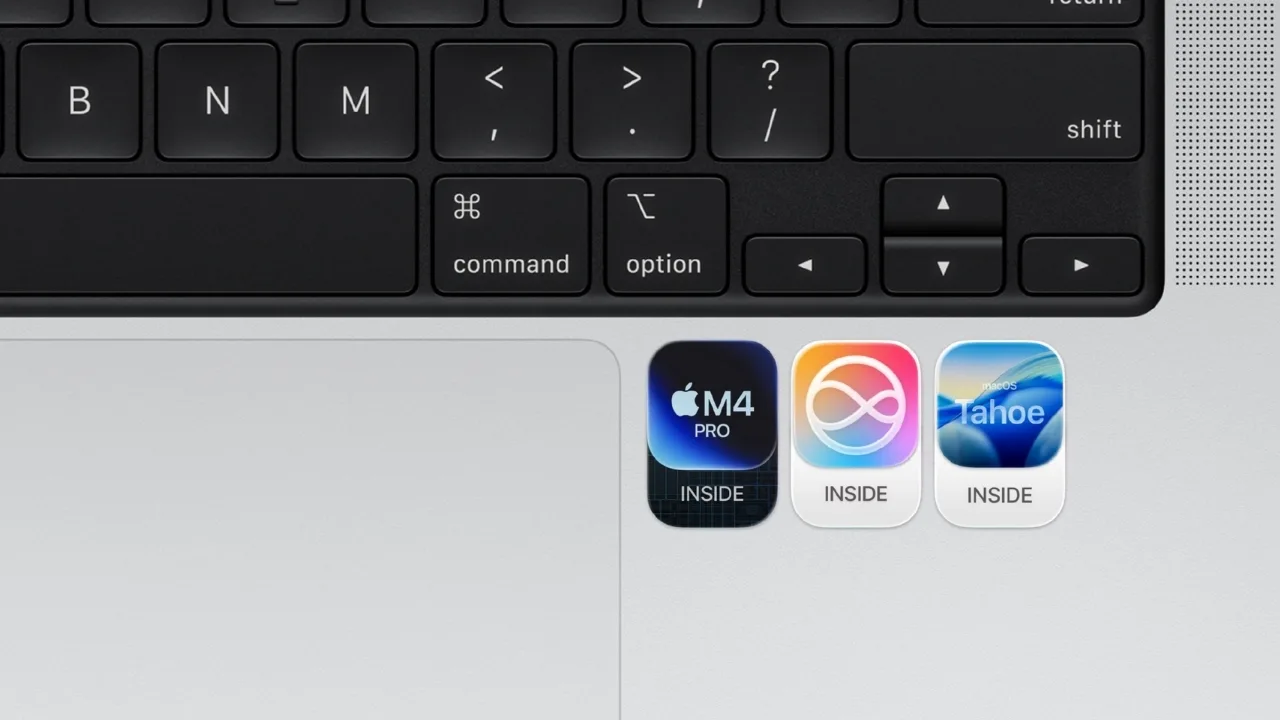
Spotlight gets a powerful upgrade with clipboard history, quick‑action shortcuts, and integration with Shortcuts and Apple Intelligence.
Search results now surface natural‑language queries across apps, files, tabs, messages, and even connected iPhones for seamless access.
AI-Powered Tools and Live Translation
Apple Intelligence spreads through macOS this release, powering Live Translation in apps like Messages, FaceTime, and Phone, along with spoken call translation.
Image Playground and Genmoji let users mix emoji and written prompts to craft creative images. Smart Shortcuts can trigger AI models, summarize text, or generate visuals automatically.
Fresh Apps and Everyday Utilities
The Games app brings all your titles Apple Arcade and downloads into one library. A new Journal app helps track thoughts and daily moments.
Notes now offer transcription of live and recorded audio, helping capture interviews, meetings, or thoughts.
Early Reactions to the New Look
Early reviews of the Liquid Glass interface are mixed. Some users find the look visually refreshing but question its practical clarity and polish.
Reviewers praise functional upgrades like Spotlight, the Phone app, and better integration as compelling reasons to upgrade when the final version arrives.







