
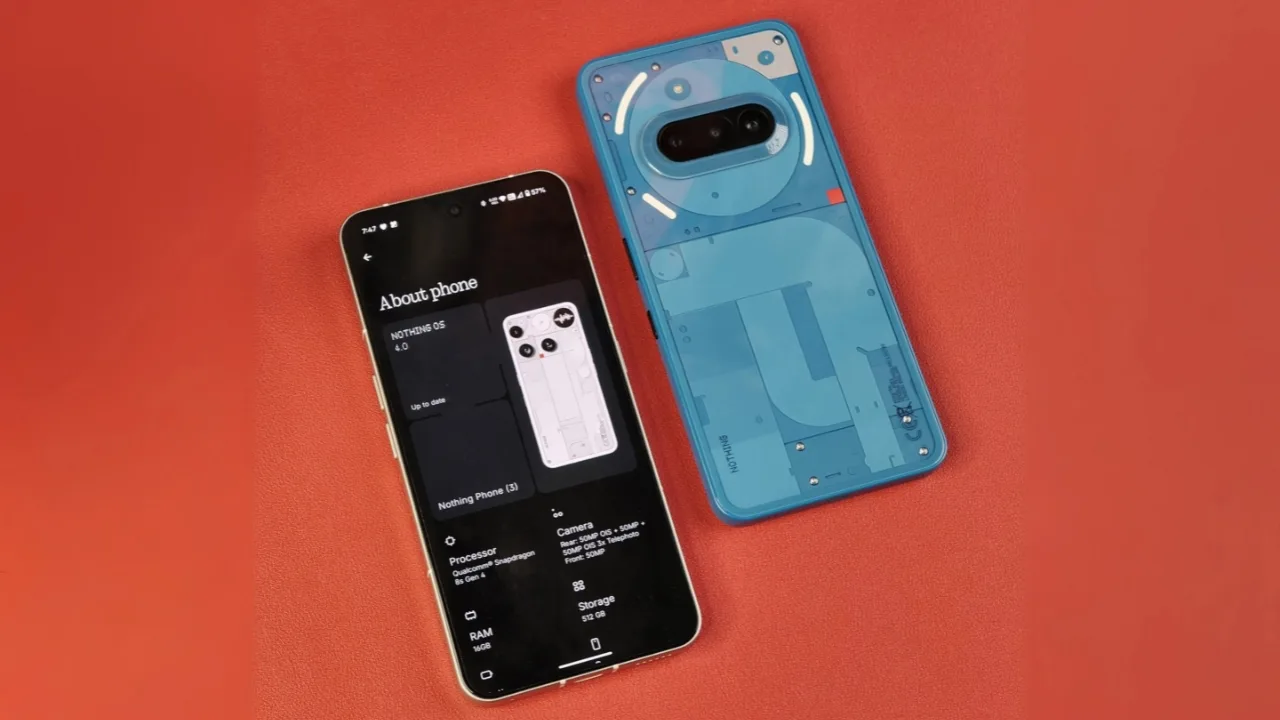
Nothing OS 4.0 Open Beta: Nothing OS 4.0 Open Beta based on Android 16 is now rolling out to Phone (3), Phone (2), and Phone (2a) models with refreshed design, AI dashboard, and multitasking upgrades.
Nothing has started rolling out its Nothing OS 4.0 Open Beta, giving users an early taste of its biggest software refresh yet. Built on Android 16, the update brings a cleaner design, smarter features, and improved day-to-day performance across supported devices.
Who can join the Open Beta
The beta is now available for Phone (3), Phone (2), Phone (2a), and Phone (2a) Plus. Owners of the Phone (3a) and (3a) Pro will need to wait until October for their chance to try the update. Nothing also confirmed that beta enrollment will close on October 14, 2025, so interested users should not wait too long.
To get started, make sure your device is on the latest stable build. Then, download the official Beta Updates Hub APK from Nothing’s community post. Once installed, a new “Nothing Beta Hub” option appears under Settings → System, where you can register and download the update.
Also Read: Galaxy A26 Gets One UI 8 Stable Update with Android 16 Earlier Than Expected
What is new in Nothing OS 4.0
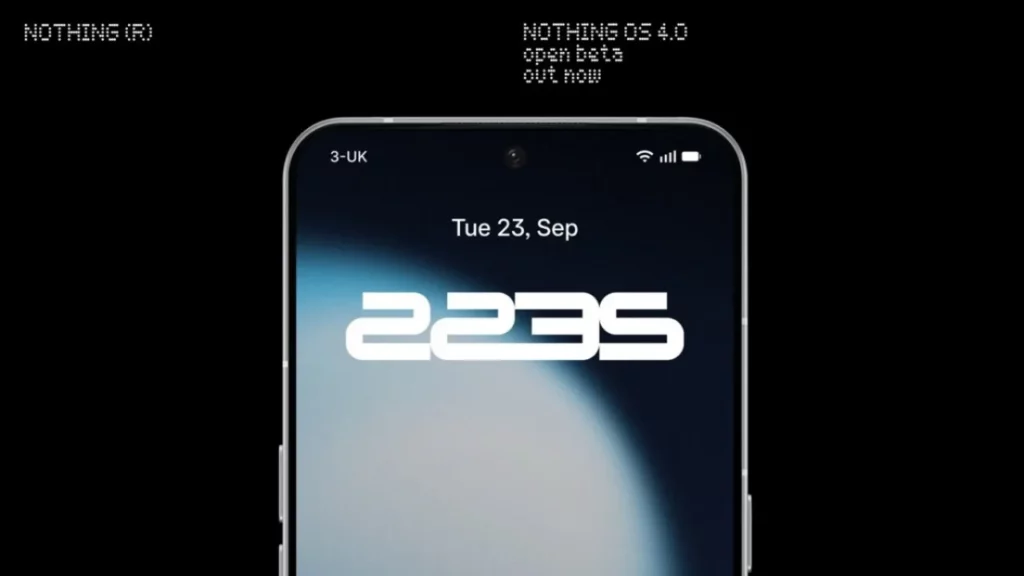
Nothing has polished its signature minimal UI with new lock screen clock styles, smoother Always-On Display animations, and cleaner Quick Settings tiles. There is also a new Extra Dark Mode, designed for late-night comfort and OLED battery savings.
Performance tweaks include faster app launches, more reliable Wi-Fi switching, and stronger Bluetooth connections. Camera fans will find the new “Stretch” preset by Jordan Hemingway on select devices, alongside optimizations powered by the TrueLens Engine.
AI dashboard and multitasking upgrades
One of the headline features is the AI Usage Dashboard, which lets users see exactly how AI models are running on their device, offering more transparency than before.
For multitaskers, the new Pop-Up View allows two apps to float on screen at once, with gestures to minimize or expand them. It is a simple but powerful addition for productivity.
Should you install it?
As with any beta, bugs and quirks are expected. Nothing warns that early builds may run warm, drain more battery, or behave unpredictably. If you decide to roll back to Nothing OS 3.5, you can, but it will factory reset your phone.
Nothing also encourages testers to share feedback directly through Settings → System → Feedback, helping the company refine the software before its stable release.
For adventurous users, Nothing OS 4.0 Open Beta is a clear preview of where the company is heading, blending design upgrades, AI awareness, and new multitasking tools into a sharper, smarter package.







