
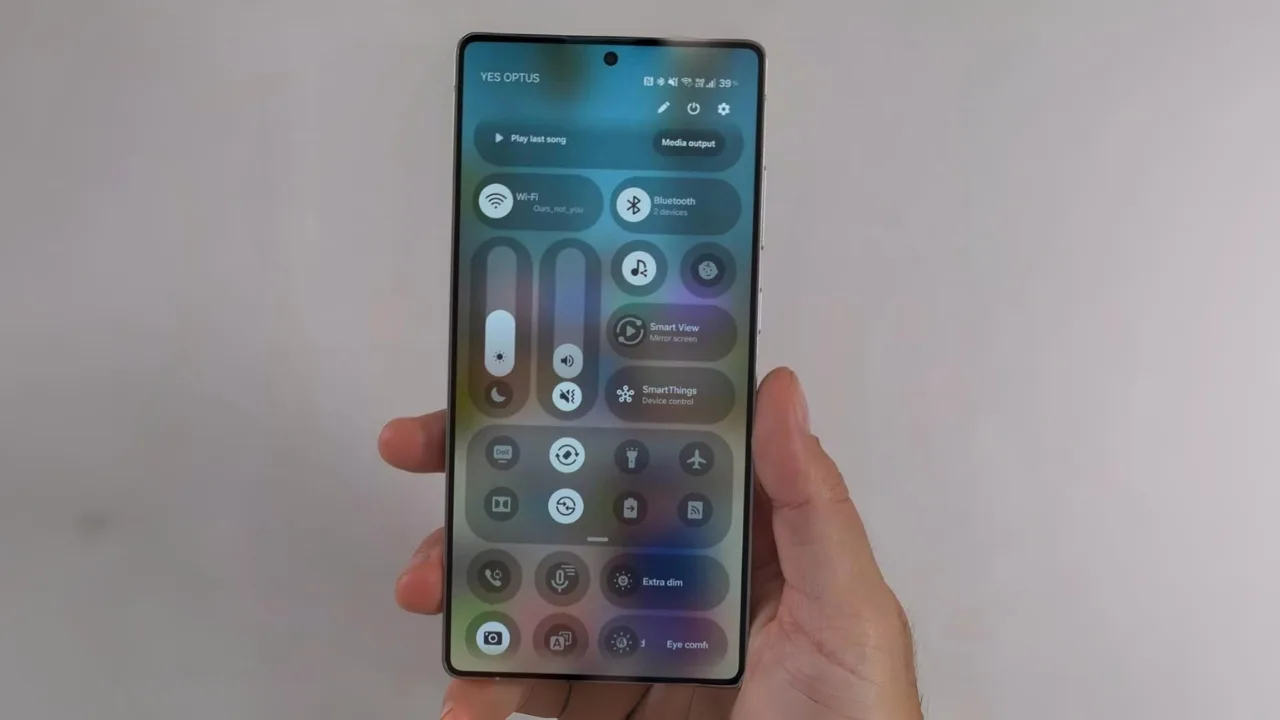
One UI 8.5: Samsung’s One UI 8.5 is expected to launch with the Galaxy S26 in January, bringing a native double tap back gesture and nine more smart upgrades like Privacy Display, call screening, and customizable controls.
With One UI 8.5, Samsung is adding a small but powerful trick double tapping the back of your Galaxy to turn on the flashlight, snap a screenshot, or open an app. No extra apps, no Good Lock setup, just a quick tap that works anywhere. It is a simple change, but one that could make daily tasks feel faster and easier.
A gesture that finally goes native
Apple has had “Back Tap” for years, and Google’s Pixel phones offer “Quick Tap.” Samsung, meanwhile, has kept the feature hidden inside its Good Lock RegiStar module, which is not available in every country.
With One UI 8.5, Samsung is finally building the double tap gesture directly into the software. Strings in the leaked build even spell it out: “gently tap the back of the phone twice while the screen is on.” That means no extra downloads, no regional limits, and smoother performance since it is handled at a system level.
Seven actions at launch
At least seven shortcuts will be available when the feature debuts:
- AI Select
- Flashlight
- Notifications
- Open app
- Privacy display
- Quick settings
- Screenshot
That is a solid list, covering both everyday tools and more advanced options. Samsung could always add or remove items before launch, but even this set already makes the gesture a powerful timesaver.
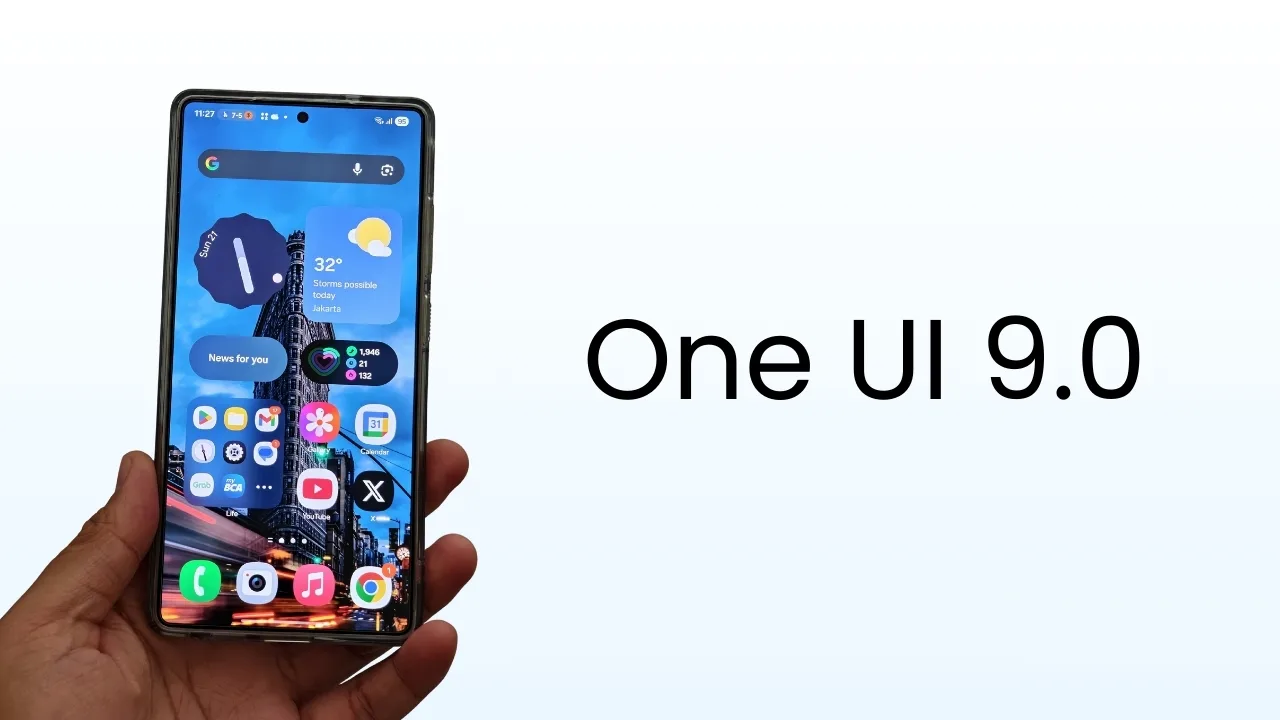
More upgrades beyond gestures
While the back tap is the headline feature, leaks point to a wider set of improvements in One UI 8.5. Among them:
- Privacy Display that limits side-angle viewing, with a stronger “Maximum Privacy” level rumored for the Galaxy S26 Ultra.
- Automatic call screening that works like Google’s Pixel feature, giving you live transcripts for suspicious calls while still keeping manual Bixby Text Call as an option.
- NFC-powered Quick Share, which uses NFC to start nearby transfers before switching to Wi-Fi Direct for faster speeds.
- Pollen tracking in Samsung Weather, complete with severity ratings for grass, trees, and ragweed.
- AI shortcuts in the launcher, offering quick conversational answers with support for providers like Gemini, Perplexity, or Samsung’s own Gauss.
- Polished design updates such as a bottom search bar in Settings, subtle shadows, and a floating back hint.
- Temporary Auto Blocker pause for sideloading apps, which automatically reactivates after 30 minutes.
- Flashing-light protection that dims strobing videos to help people sensitive to light patterns.
- Customizable Quick Panel, giving users more control over layout and module placement.
Coming with Galaxy S26 in January
Samsung has not confirmed One UI 8.5 officially, but all signs point to a debut alongside the Galaxy S26 lineup in January. The new flagships will likely ship with the update out of the box, with older Galaxy models like the S24 and S25 series expected to follow in a phased rollout.
A quality-of-life update that makes sense
One UI 8.5 is shaping up to be less about flashy overhauls and more about small but meaningful improvements. The double tap back gesture is the perfect example a feature that feels natural and useful the moment you try it.
Samsung is getting ready to deliver one of its most practical updates yet, with smarter shortcuts, tighter privacy, and smoother design baked right in.







