
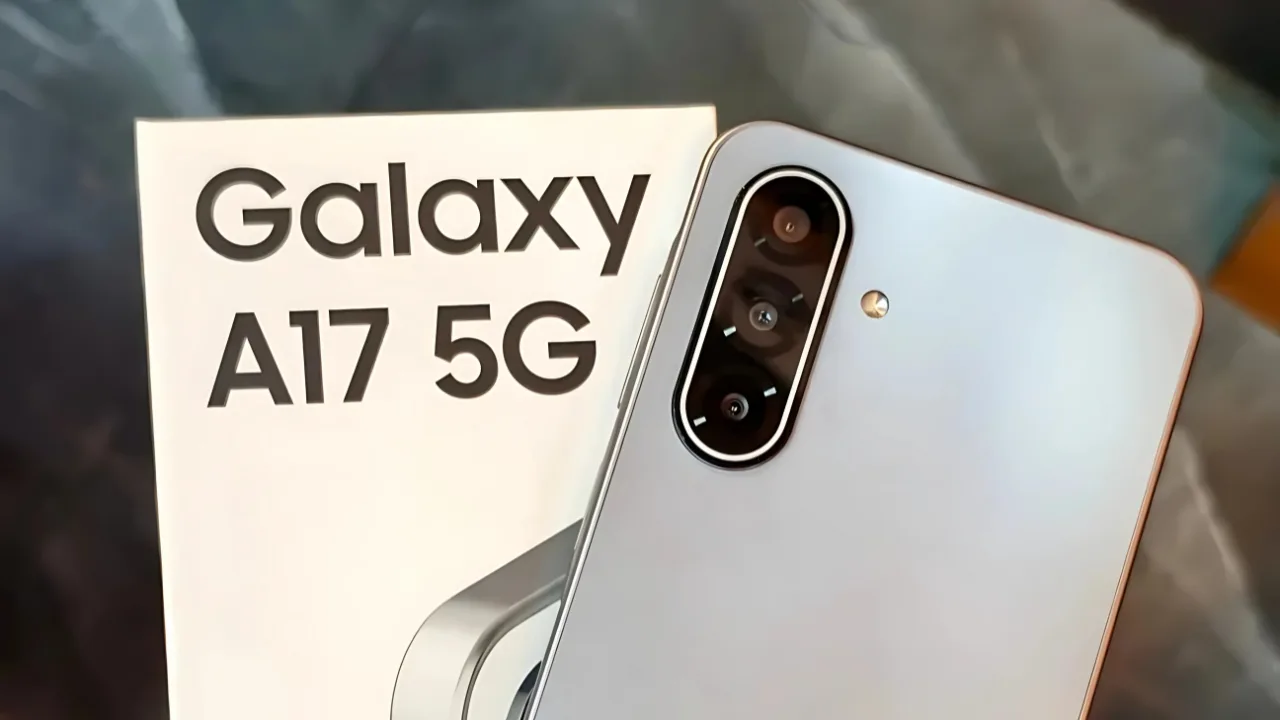
Samsung Galaxy A17 5G: Samsung Galaxy A17 5G launched with Android 15-based One UI 7.0 now gets its first major upgrade to One UI 8.0 with Android 16, September 2025 patch, and new features like revamped Quick Share and redesigned Samsung Internet.
Samsung has started rolling out a big software update for the Galaxy A17 5G, giving budget users a taste of premium features. The phone is now receiving the stable One UI 8 update based on Android 16, starting in Vietnam and set to expand to more countries in the coming weeks.
From launch to first big update
The Galaxy A17 5G launched just a few weeks ago with Android 15-based One UI 7.0 pre-installed. At launch, Samsung confirmed that the phone would receive six major Android updates, one of the longest promises in its price range. The arrival of One UI 8.0 is the first step in that update cycle, showing how serious Samsung is about keeping this device up to date.
What is included in the update
The new firmware version is A176BXXU2BYID, and it comes with the September 2025 security patch. Along with Android 16’s new features, users also get better protection against security risks.
Just like the Galaxy A26, which received the same update earlier, the A17 5G is now part of Samsung’s wider rollout. This proves that Samsung is focusing on faster updates for its mid-range phones, not only for its flagship models.
Key improvements with One UI 8
One UI 8 brings several upgrades that make the phone easier and smoother to use:
- Quick Share now has separate “Send” and “Receive” tabs.
- Samsung Internet has been redesigned with a cleaner look.
- Profile Cards and Samsung Weather get refreshed designs.
- Secure Folder offers better privacy protection.
- Smarter controls for alarms, calendar events, and reminders.
- New designs for My Files and Reminder apps.
- Modes and Routines adds new actions and conditions.
How to check for the update
Galaxy A17 5G users can check by going to:
Settings > Software update > Download and install.
Because updates roll out in batches, it might take a little time to reach all users.
Why it matters
Getting One UI 8 so soon after launch makes the Galaxy A17 5G a strong choice in the budget 5G segment. With Samsung’s long-term support promise, the phone is not only affordable but also ready to stay up to date for years.







